

Are you searching for a reliable, cost-effective way to transform traditional classrooms or corporate presentation rooms into highly engaging, interactive environments? Do you want to simplify digital content management and foster deeper interaction between students, employees, or attendees without overhauling your entire IT infrastructure?
If your answer is yes, TACT Software is the ultimate operating engine designed specifically to provide all of this and much more. With its seamless integration with the physical TACT device, the software offers an advanced interactive environment that gives educators and corporate professionals complete control over digital content. By bridging the gap between hardware and software, you can write directly on standard screens, highlight key metrics, and interact with files and multimedia smoothly and professionally.
In this comprehensive guide, we will explore absolutely everything you need to know about TACT Software, its core features, detailed system requirements, and exactly how it acts as the definitive alternative to expensive traditional smartboards.
What is TACT Software? The Core Engine of Interactivity
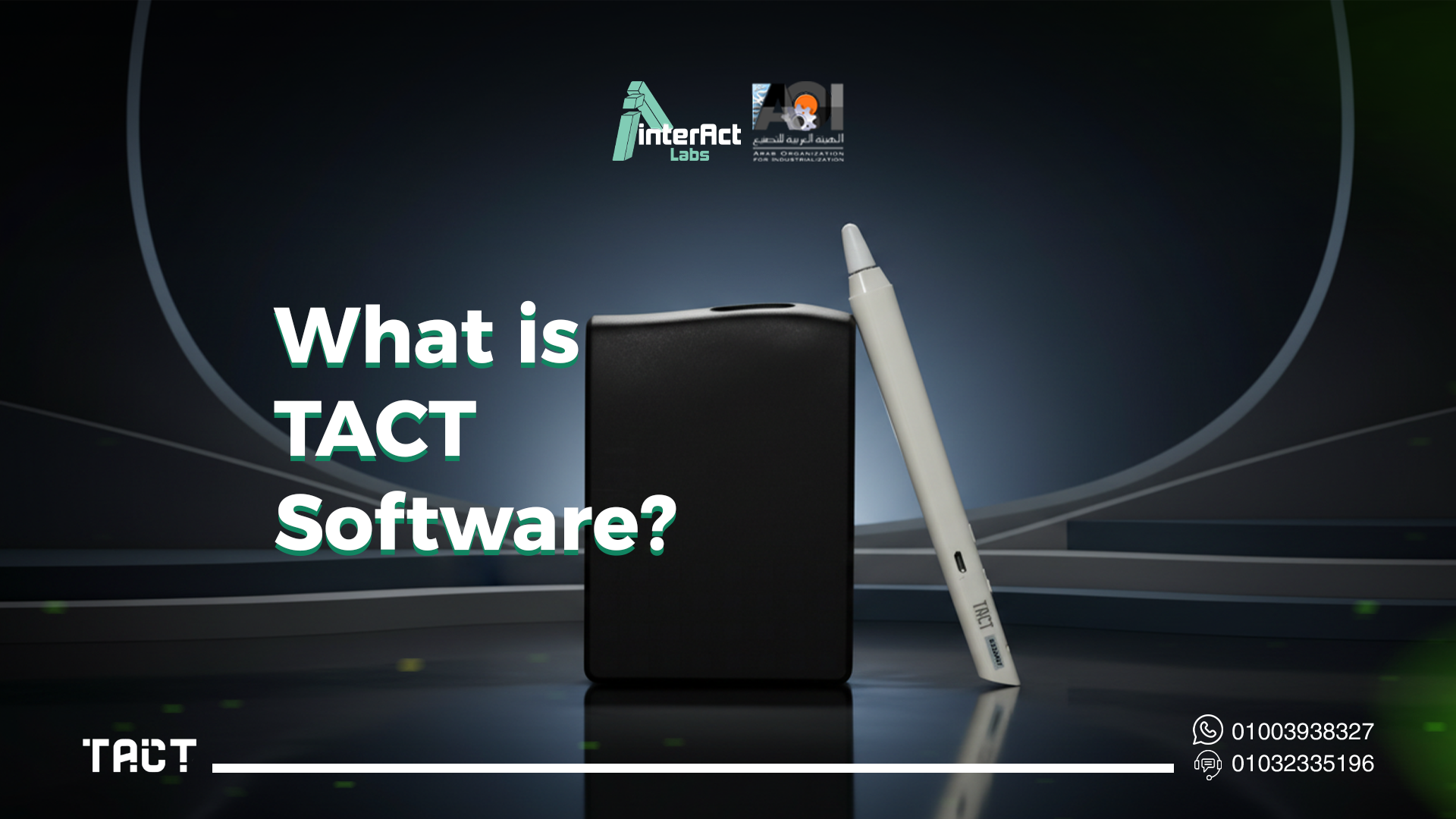
TACT Software is a highly specialized operating program specifically designed to manage, run, and optimize the TACT interactive device. It serves as the intelligent software interface that connects the physical tracking device to the digital content displayed on your computer or projector.
Think of this program as a smart, digital bridge. It enables direct interaction with digital content through touch or various specialized control tools. By processing these inputs instantly, TACT Software effectively transforms any standard projection surface—whether it is a whiteboard, a blank wall, or a standard TV—into a highly practical, responsive interactive workspace.
Furthermore, TACT Software has been meticulously developed by the engineering team at Interact Labs to operate across multiple operating systems. Whether your institution relies on Windows, macOS, or Linux distributions, the software provides unparalleled flexibility in diverse working environments. It is delivered as a lightweight, secure installation package downloaded directly onto your computer, empowering users to manage display operations, control intricate interactions, and configure device settings effortlessly.
The software is built on a highly stable operating architecture that supports multi-touch recognition, extremely precise signal processing, and seamless integration with virtually all computer applications. It also provides an organized, intuitive operating environment where users can quickly manage calibration settings, adjust display accuracy, and access a wide array of writing and annotation tools directly within the primary working interface.
The Vital Role of TACT Software in Operating the TACT Device
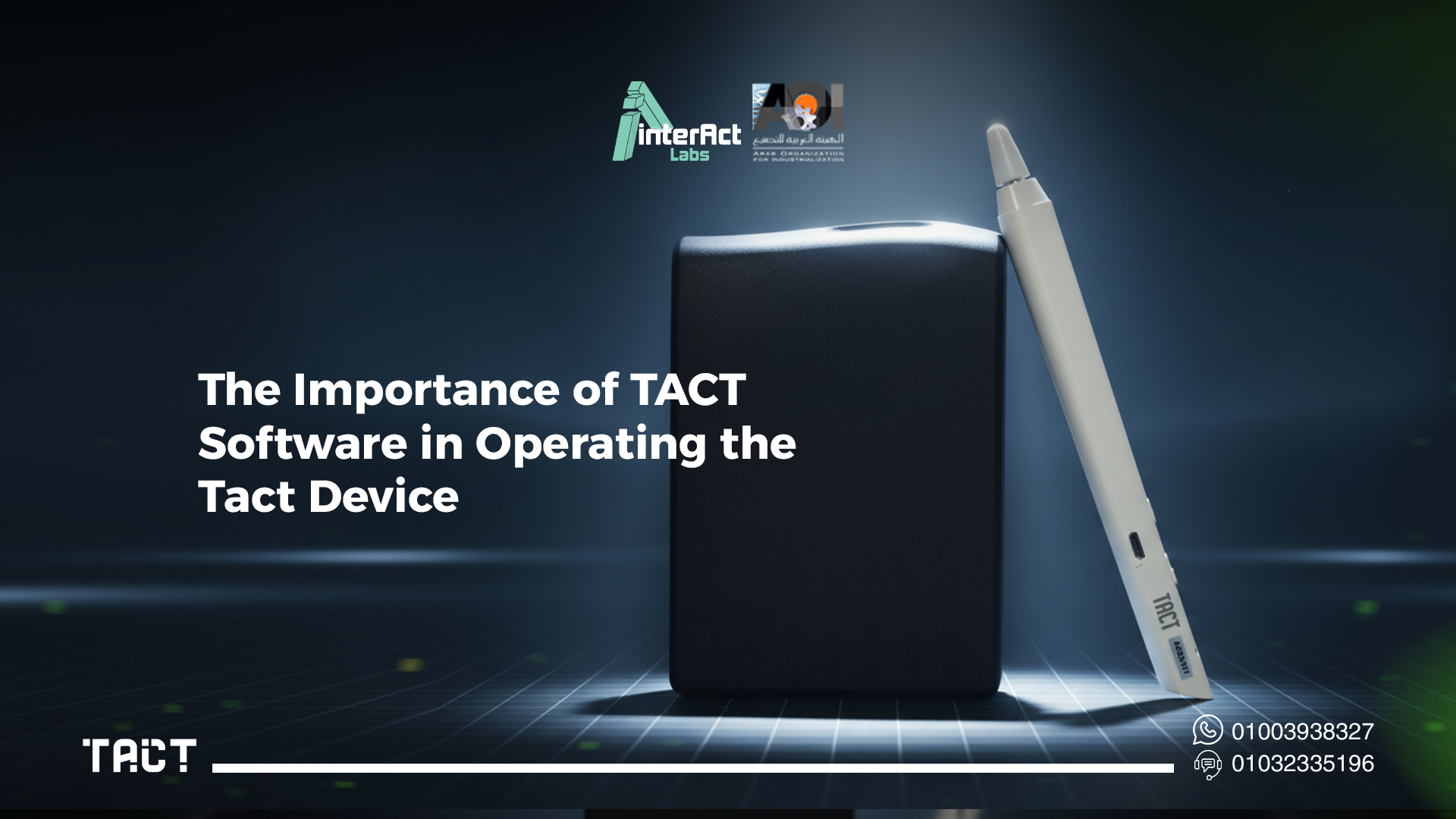
Hardware alone cannot deliver a flawless interactive experience. TACT Software is the core operating system that the physical TACT device relies on to perform all its functions efficiently, accurately, and without lag. It plays a foundational role in several critical operational areas:
Instant Device-to-Computer Connectivity: The software establishes a secure, direct connection between the TACT device and the host computer. This enables the instant transmission of commands, ensuring that every touch is registered without noticeable latency.
Advanced Touch and Interaction Management: It rapidly processes touch inputs and converts them into precise digital commands. This allows presenters and teachers to control their content smoothly, mimicking the accuracy of a high-end digital stylus.
Flawless Surface Calibration: No two projection surfaces are exactly alike. The program allows users to precisely adjust touch accuracy and screen alignment settings. This calibration ensures that your physical hand movement on the wall or board perfectly matches the digital cursor on the screen.
Organized Control and Display Tools: It provides an integrated operating environment that enables users to easily manage digital pens, highlighters, erasers, and navigation across third-party applications during live presentations.
Unwavering Performance Stability: Built for the demands of live environments, the software supports stable operation across different systems, helping you maintain uninterrupted performance during critical lessons or high-stakes business pitches.
Key Features of TACT Software for Education and Business
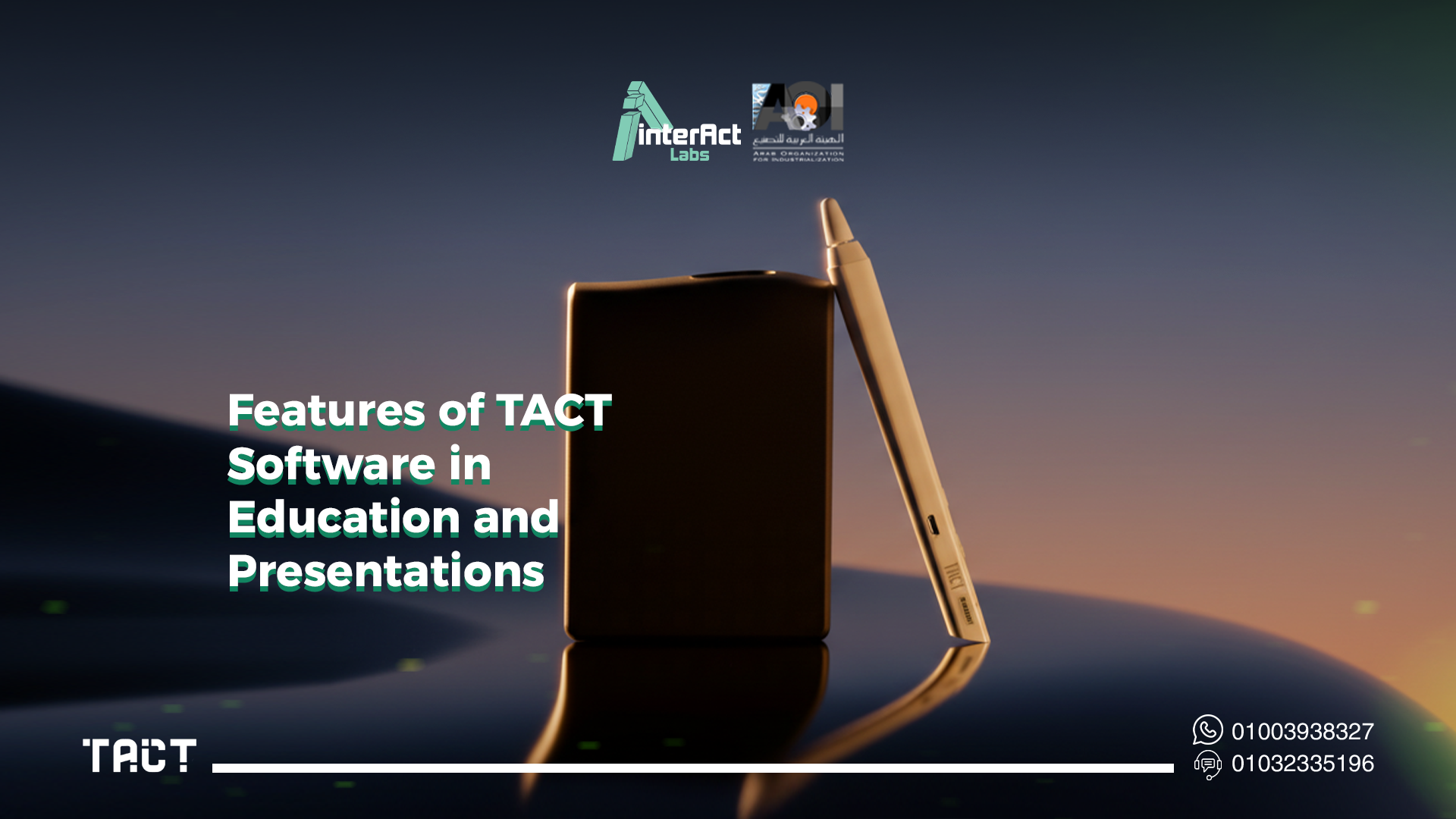
TACT Software does not just replicate a mouse; it provides a fully integrated interactive ecosystem that supports complex educational processes and enhances the overall quality of corporate presentations.
Enhancing Interaction in Smart Classrooms
The software enables direct, hands-on interaction with displayed content. By allowing teachers to step away from their laptops and interact with the board directly, it significantly increases student engagement and focus during complex explanations.
Live Writing, Annotation, and Highlighting
Gone are the days of static presentations. With TACT Software, users can write, draw, highlight, and add essential notes directly over their files in real-time. Whether you are correcting a math problem on a PDF or highlighting a sales trend on a PowerPoint slide, it makes clarifying ideas and emphasizing key points easier than ever.
Universal Integration with Third-Party Applications
You do not need to abandon your favorite software. TACT Software supports working directly over presentation software (like Microsoft PowerPoint or Google Slides), PDF readers, web browsers, and specialized STEM educational applications, providing full flexibility during lessons or executive meetings.
Fluid Navigation Between Pages and Files
The software allows smooth, intuitive control when switching between slides, web pages, or local files without the need for additional physical tools or remotes, helping the presenter maintain audience focus and a professional flow.
Support for Diverse and Dynamic Teaching Methods
Every class is different. The software enables teachers and corporate trainers to apply varying presentation styles dynamically. You can switch from illustrative freehand drawing to solving exercises live, to interacting directly with embedded multimedia content in seconds.
Improving the Visual Learning Experience
Visual learners thrive with TACT. The software facilitates displaying and physically interacting with high-definition images, 3D charts, and educational videos, enhancing comprehension and making complex data much clearer and more memorable.
Real-World Use Cases: Where TACT Software Excels
To truly understand the power of TACT Software, it is essential to look at how it transforms specific professional environments:
K-12 Education (Schools): Teachers use the software to run interactive educational games, solve equations step-by-step on the board, and bring geography or science lessons to life, keeping younger students highly engaged.
Higher Education (Universities): Professors utilize the high precision of the software to annotate complex engineering diagrams, medical charts, or architectural blueprints in front of massive lecture halls.
Corporate Boardrooms: Business leaders use the software during strategy meetings to highlight KPI dashboards, annotate financial reports collaboratively, and navigate through interactive data models without being chained to a desk.
Training and Development Centers: Trainers utilize the seamless multimedia integration to guide trainees through software tutorials, allowing participants to come to the board and interact with the training module directly.
Comprehensive TACT Software System Requirements
To run TACT Software smoothly and ensure the absolute optimal performance of your TACT device, a set of essential technical specifications must be met. These requirements ensure that the system handles real-time interactive signals without dropping frames or causing delay:
Supported Operating Systems: The device must run one of the fully supported systems to ensure compatibility: Windows 10 (or later), macOS 10.11 (or later), or recognized Linux distributions such as Ubuntu 14 (or newer).
Processor (CPU): A multi-core processor with sufficient processing speed (Intel Core i3 or equivalent and above) is highly recommended. This ensures interactive signals and complex commands are processed instantly.
Random Access Memory (RAM): A minimum of 4 GB of RAM is strongly recommended. This guarantees the smooth operation of TACT Software even when resource-heavy applications (like high-def video players or complex web apps) are running simultaneously.
Graphics Processing Unit (GPU): A dedicated or high-quality integrated graphics card supporting high-definition display (1080p resolution or higher) is required to deliver a crisp, clear, and visually smooth interactive content experience.
Local Storage Space: The software requires a modest 500 MB to 1 GB of free storage space for the core installation and for caching temporary files during active operation.
Connectivity Standards: An available, functioning USB port (or appropriate network connection for specific setups) is absolutely necessary to connect the TACT physical device to the host computer, ensuring rapid data transmission.
Compatible Display Hardware: A standard projector or large display monitor connected to the host computer is required to project the interface that the TACT device will make interactive.
Step-by-Step Guide to Installing TACT Software
Installing TACT Software on your computer is designed to be a friction-free experience. To ensure it runs efficiently alongside your TACT device, follow these practical, sequential steps:
Download the Official Package: Navigate to the official Interact Labs website. From the download section, select the specific TACT installation package tailored for your operating system (Windows, macOS, or Linux). Always ensure you select the correct version to guarantee optimal performance.
Initiate the Installation Wizard: Once the secure download is complete, locate and open the installation file. Start the process by clicking "Next" and carefully following the on-screen instructions. The installation wizard will smoothly guide you through selecting your preferred installation directory and setting up necessary program folders.
Configure User Preferences: When you reach the additional settings options within the wizard, it is highly recommended to choose to create a desktop shortcut for easy access. More importantly, enable the "Automatic Updates" feature to ensure your software is consistently updated to the most secure, feature-rich version.
Connect Hardware and Calibrate: After the software installation finishes, connect your TACT device to your computer using a secure USB port. Open TACT Software. The program is designed to automatically detect the connected hardware. It will then prompt you to configure basic settings, most notably the touch calibration and display resolution alignment.
Begin Your Interactive Session: Once the calibration process is successfully completed, the setup is done! You can immediately start using all the program’s integrated tools to interact with your digital content, write, annotate, and navigate between your presentations with unparalleled ease.
How to Update TACT Software to the Latest Version
Interact Labs continuously improves its software infrastructure. Regularly updating TACT Software is paramount to ensure you have the latest educational features, performance stability improvements, and security patches.
Check the Current Version: Open your TACT Software, navigate to the main settings, and check your current version number.
Ensure Internet Connectivity: Verify your computer is connected to a stable internet connection to download files directly from secure Interact Labs servers.
Initiate the Update Protocol: Go to the software settings menu and select "Check for Updates." The software will autonomously ping the server for the latest release.
Download and Install: If a newer version is detected, simply click "Download & Install." The software handles the entire background process without requiring you to manually uninstall older versions.
Restart and Verify: Once completed, restart TACT Software to apply core system changes. Verify the new version number in the settings to ensure a successful update.
Why TACT Software is the Superior Choice for Smart Classrooms
When evaluating technology for smart classrooms, decision-makers are looking for reliability and return on investment. TACT Software is the undisputed ideal solution because it bridges the gap between high-end interactive technology and accessible educational tools.
It allows teachers to completely control digital content from the front of the room, drastically boosting interaction. It provides dedicated tools to organize lessons, seamlessly switching between a PDF textbook and an interactive web simulation. Furthermore, it allows educators to customize the learning experience by adjusting toolbars and settings to suit different grade levels or specific classroom environments. Its high stability means IT departments spend less time troubleshooting and teachers spend more time actually teaching.
Why Partner with Interact Labs?
Choosing TACT Software means choosing the proven expertise of Interact Labs. As an industry leader with extensive experience in developing highly innovative technological solutions, Interact Labs focuses purely on interactivity, efficiency, and real-world value.
Our software stands out for its precise performance and native, flawless integration with the TACT device. Beyond the technology, Interact Labs provides unwavering, continuous technical support to all users. Our regular software updates enhance system security and introduce new functionalities requested by our community of educators and professionals.
Moreover, adopting TACT Software allows educational institutions and forward-thinking businesses to reflect a modern, highly professional image to their students or VIP clients. Its cross-platform compatibility ensures that your investment is protected, regardless of how your IT hardware evolves in the future.
In conclusion, TACT Software is the ultimate, cost-effective solution for anyone determined to elevate the learning experience or deliver unforgettable presentations. When seamlessly combined with the physical TACT device, this software guarantees reliable performance, fluid interaction, and an advanced operational ecosystem that directly boosts audience understanding and overall productivity.
Do not let outdated presentation methods limit your potential. Transform any room into a hub of modern innovation today. Download TACT Software now, connect your Interact Labs device, and unlock the definitive interactive experience backed by continuous technical support and industry-leading expertise.


