

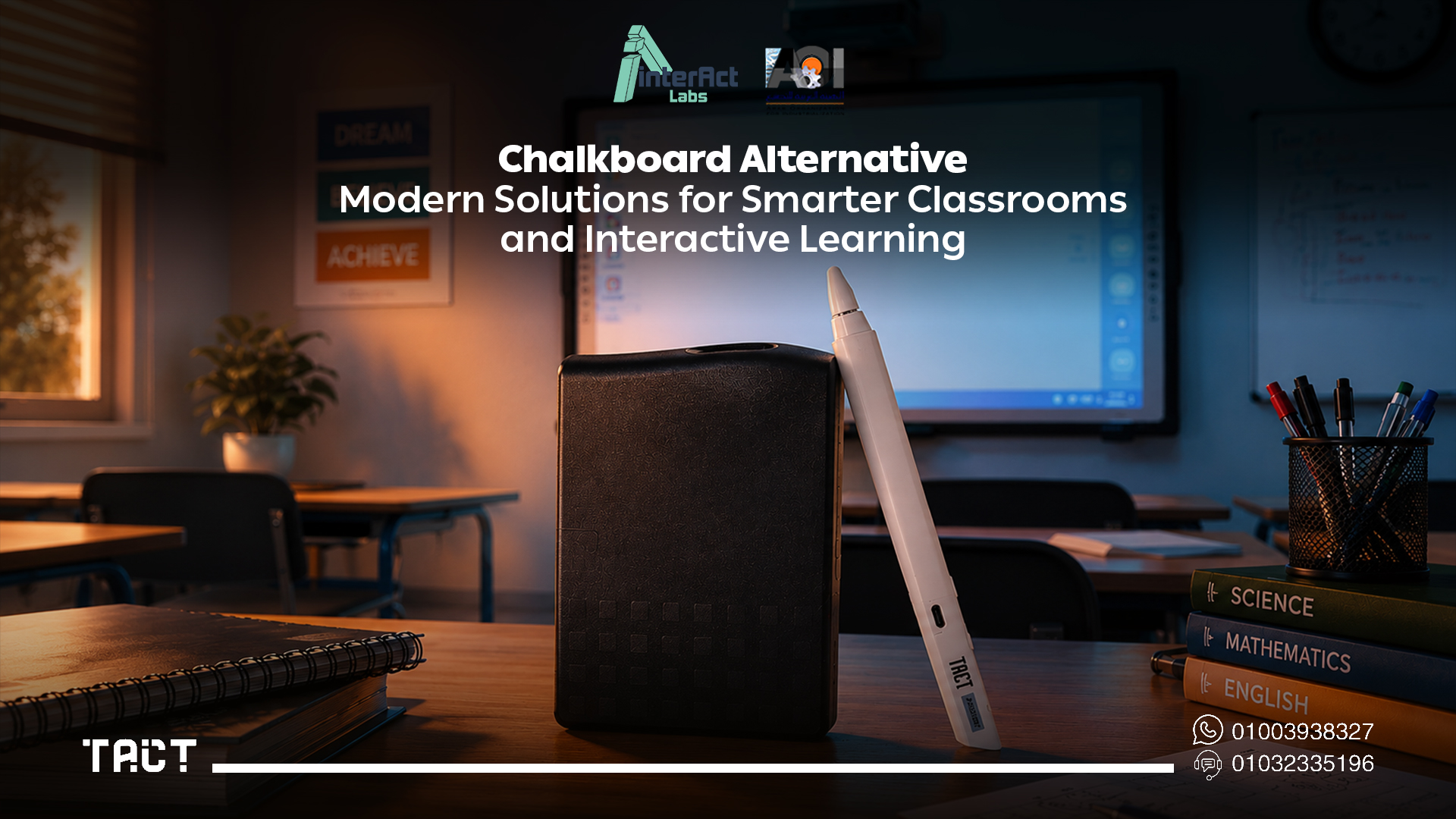
For decades, chalkboards were the center of every classroom. They helped teachers explain lessons, solve equations, and communicate ideas to students reliably and cheaply. While they served education well for generations, today's learning environments demand something fundamentally different from a surface you write on and erase.
Modern classrooms depend on multimedia content, digital resources, real-time collaboration, and interactive learning experiences that traditional chalkboards simply cannot provide. Teachers now need to display videos, annotate presentations, access online resources, and encourage student participation — all within the same lesson, often simultaneously. A chalkboard can't do any of that.
This shift has led schools, universities, and training centers worldwide to search for chalkboard alternatives that genuinely improve engagement without creating unmanageable costs. This guide covers why traditional chalkboards are being replaced, what the real options are, and how interactive solutions like the Tact device by Interact Labs are helping educators transform existing classrooms into modern learning environments without replacing every piece of equipment they already own.
Looking for a practical, cost-effective chalkboard alternative? Visit Interact Labs and explore interactive solutions for classrooms at every budget level.
Why Schools Are Moving Beyond Traditional Chalkboards
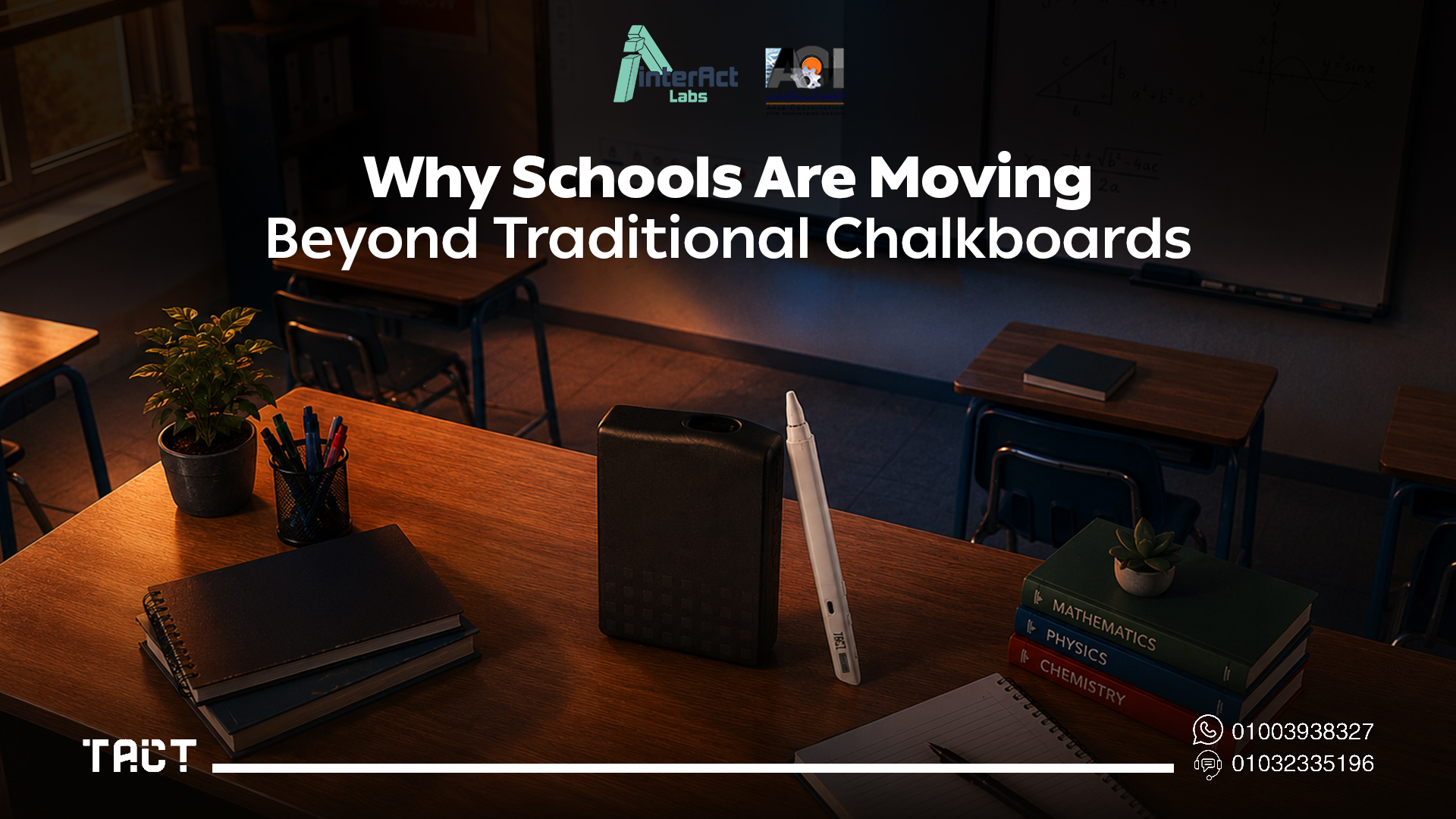
Although chalkboards remain familiar and inexpensive, they present real challenges in today's educational environments. Modern teaching methods require flexibility, technology integration, and genuine two-way collaboration — areas where traditional chalkboards structurally fail.
Chalk dust is a health and maintenance problem. It triggers allergies, creates respiratory discomfort, coats classroom equipment with fine particles, increases cleaning requirements, and gradually reduces surface visibility. For schools seeking cleaner learning environments — particularly those serving students with respiratory sensitivities — chalk dust alone is reason enough to replace the chalkboard.
No digital integration. Today's lessons regularly incorporate videos, interactive simulations, educational software, online research, digital textbooks, and presentation tools. A traditional chalkboard cannot display or interact with any digital content, forcing teachers to constantly switch between the board and a separate projector or screen. That friction interrupts lesson flow and reduces the time available for actual teaching.
Lessons disappear when erased. Everything written on a chalkboard is gone the moment it's wiped. Teachers cannot save notes, share lesson content digitally, review previous explanations with students, or build a reusable archive of classroom materials. Digital teaching tools solve this problem by default — everything is saveable and shareable.
Limited to one person at a time. Traditional chalkboards make group interaction difficult. Only one person can comfortably write at a time, which structurally limits collaborative learning and reduces opportunities for student participation beyond watching.
One-way communication only. The fundamental design of a chalkboard is a broadcast tool — the teacher writes, students watch. Modern pedagogy emphasizes active participation, where students collaborate, solve problems together, and engage directly with lesson content. A chalkboard cannot support that model.
What Makes a Good Chalkboard Alternative?
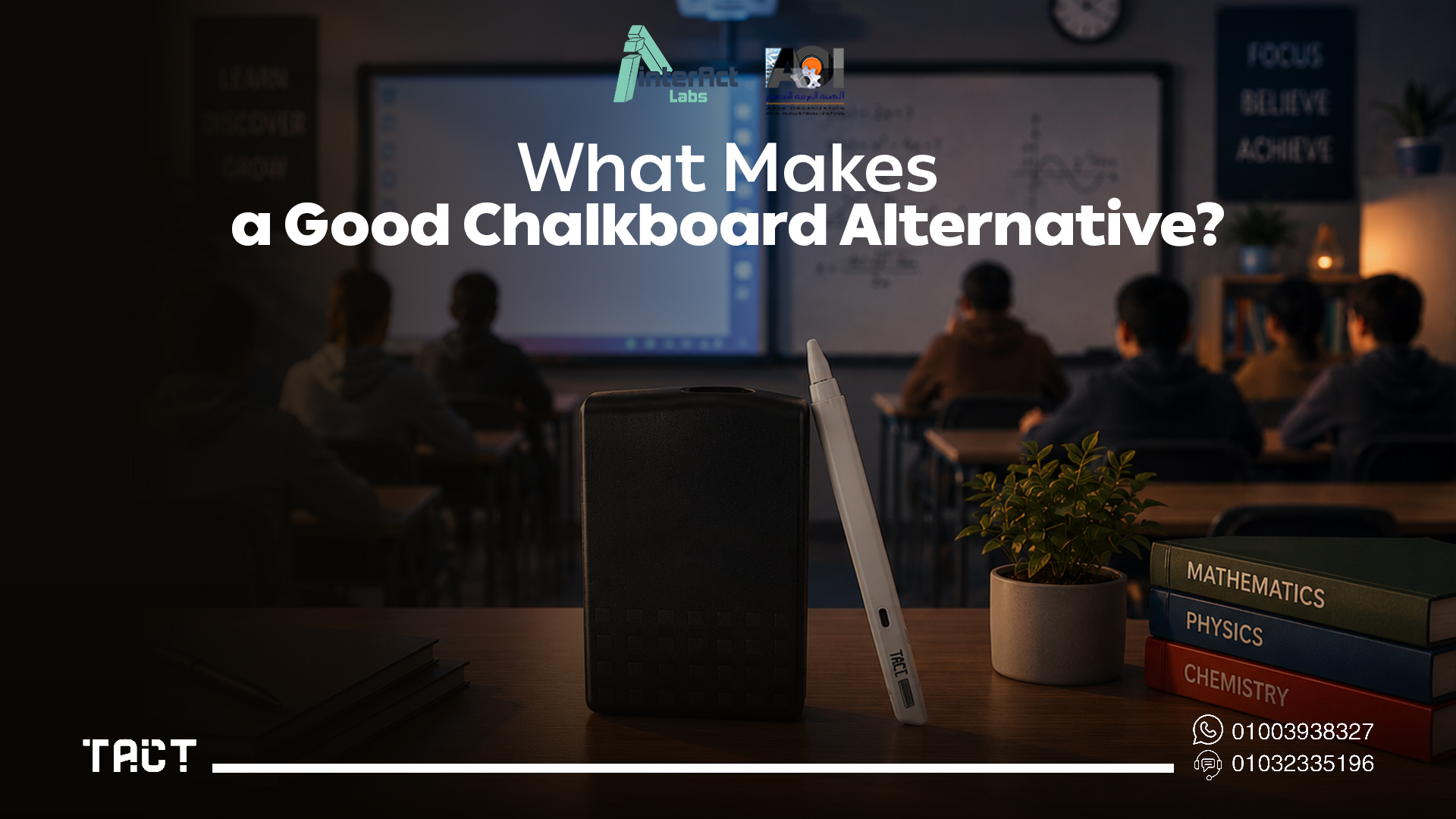
Choosing a replacement isn't simply about finding another writing surface. The best chalkboard alternative improves both teaching and learning by genuinely supporting what modern education requires. An effective solution should provide easy writing and annotation, support for digital presentations, multimedia integration, interactive learning experiences, collaboration between teachers and students, compatibility with existing classroom technology, simple installation and maintenance, and long-term cost efficiency.
The more of these a solution delivers — and the more affordably it delivers them — the greater its practical value in a real school environment with a real budget.
Popular Chalkboard Alternatives: What Each One Actually Delivers
Educational institutions today have several options when replacing traditional chalkboards. Understanding what each actually delivers — not just what it costs — is the starting point for a good decision.
Traditional Whiteboards
Whiteboards became the earliest and most common replacement for chalkboards. Using dry-erase markers instead of chalk, they create a cleaner classroom environment while maintaining a familiar teaching style. They're affordable, easy to install, require minimal maintenance, and eliminate chalk dust entirely.
The limitation is equally clear: whiteboards are still passive writing surfaces. They cannot display digital lessons, run educational applications, show multimedia content, save notes electronically, or support any form of interactive learning. For schools that have already embraced digital education, a whiteboard is only a marginal improvement over what it replaced.
Interactive Whiteboards
Interactive whiteboards combine projection technology with a touch-sensitive surface, allowing teachers to interact directly with digital content. Instead of writing only with markers, educators can annotate presentations, open educational software, display videos, save classroom notes, and invite student participation in ways a traditional board never allowed.
These systems represented a major step forward when they were introduced. The drawback is their deployment model: dedicated hardware, professional installation, significant cost, and ongoing maintenance requirements. For many schools — particularly those operating across multiple classrooms — the investment is difficult to justify when the underlying projection infrastructure is already in place.
Interactive Panels
Interactive panels are becoming the premium choice for modern educational environments. They combine a high-resolution 4K display, multi-touch technology, built-in digital whiteboard software, wireless screen sharing, and real-time annotation capability into a single integrated device. Teachers can write directly on the screen with a finger or stylus while displaying presentations, videos, educational applications, and online resources simultaneously.
The experience is excellent. The limitation is cost and flexibility. Interactive panels represent a significant per-room investment, they're permanently installed in a single location, and for organizations that already have functioning projectors and displays, purchasing panels means sidelining equipment that still works. For new-build classrooms, panels make strong sense. For existing classrooms with existing display infrastructure, the economics are harder to justify.
Tact Device: Interactive Capability Without Replacing What You Have
The Tact device by Interact Labs takes a different approach. Rather than requiring schools to purchase new display hardware, it adds interactive capability to whatever display system a classroom already has — projectors, large TVs, presentation screens, or any compatible flat surface.
Connect a laptop to the existing classroom display, install the Tact software, position the device facing the display, complete a two-minute calibration, and the surface becomes fully interactive. Teachers can write directly on presentations, annotate lesson materials, navigate applications, draw diagrams, highlight concepts, and save everything — all from the display surface, without returning to the laptop.
For organizations managing multiple classrooms within a fixed technology budget, this approach is structurally different from the panel or interactive whiteboard path. The cost per room is a fraction of a full interactive panel installation, and existing equipment continues to deliver value rather than being replaced.
Browse the full range of Tact devices and Tact Panel options — and compare configurations for different classroom sizes and use cases.
How Tact Works: Step by Step
The setup process is designed to be teacher-managed, not IT-dependent.
Step 1 — Connect your computer. Connect a laptop or desktop to the classroom display using HDMI or your preferred connection — exactly as you would for any normal presentation.
Step 2 — Install the Tact software. Download and install the Tact software on the computer. The software manages communication between the computer and the interactive device.
Step 3 — Position the device. Place the Tact device facing the projection area or display surface, positioned to cover the full interactive area.
Step 4 — Calibrate. Use the interactive pen to tap calibration points across the display. This takes under two minutes and ensures precise tracking across the full surface.
Step 5 — Start teaching. The classroom display is now interactive. Write directly on presentations, annotate lesson materials, open applications, draw diagrams, navigate content, highlight key concepts, and invite students to interact with the display. Everything can be saved at the end of the session.
Within minutes, a traditional classroom display becomes a fully interactive teaching environment — without any new hardware purchase beyond the Tact device itself.
Benefits of Tact as a Chalkboard Alternative
Replacing a chalkboard isn't just about the writing surface. It's about improving the entire teaching experience. Tact delivers several advantages that address the specific problems chalkboards create.
Create genuinely interactive lessons. Instead of writing static notes on a board, teachers can combine presentations, videos, images, educational software, and live annotations in a single continuous lesson. Students follow along with content that responds to what the teacher is doing in real time.
Increase student engagement. Interactive classrooms encourage participation rather than passive observation. Teachers can invite students to solve problems directly on the display, annotate diagrams, complete collaborative exercises, or demonstrate their own understanding — activities that research consistently links to better comprehension and retention.
Save lesson materials automatically. Everything written or annotated during a session can be saved and shared with students immediately afterward. There's no photograph of a whiteboard, no lost explanations, no need to re-explain content that was covered in a previous session.
Reuse existing equipment. Many schools already own projectors, large classroom TVs, and display systems that still function well. The Tact device extends the value of those investments rather than replacing them. This makes classroom modernization affordable across multiple rooms within a single budget cycle rather than a multi-year phased project.
Portable between rooms. Unlike permanently installed interactive systems, the Tact device moves between classrooms, training rooms, or meeting spaces when needed. For schools and training centers that share teaching spaces, one device can serve multiple rooms on a rotating schedule.
Cost-effective at scale. For educational institutions planning to upgrade several classrooms, purchasing interactive panels for every room requires a substantial capital commitment. Tact provides interactive functionality at a per-room cost that makes comprehensive deployment achievable rather than aspirational.
Tact Panel: For Classrooms That Need a Complete Display Solution
Where a classroom needs a new display entirely — not just interactive capability added to existing hardware — Tact Panel by Interact Labs provides a complete interactive display solution built specifically for institutional use.
Tact Panel combines a 4K display, multi-touch input, dual Android/Windows operating system support, anti-glare surface treatment for classroom lighting conditions, and robust build quality for high-frequency daily use. It's the right choice when the room needs both a new display and interactive capability — delivering everything an interactive panel provides with local support and service infrastructure in Egypt and the Gulf region that international brands can't match.
For most existing classrooms with functioning projectors and displays, the Tact device is the practical starting point. For new rooms or rooms where the display itself needs replacement, Tact Panel is the complete solution.
Where Tact Can Be Used
The Tact device is most immediately valuable in education, but its usefulness extends across any environment where interactive communication drives outcomes.
In primary and secondary schools, it transforms standard classroom displays into engaging learning environments without replacing projectors or TVs that still work. Teachers deliver interactive lessons, encourage classroom participation, explain concepts visually, and save notes for future reuse.
In universities and higher education, professors annotate lecture materials, explain complex theories with live diagrams, and interact naturally with students throughout sessions rather than presenting from behind a podium.
In training centers, professional trainers create hands-on workshops by interacting directly with presentations and technical materials. The difference between a trainer who annotates content live and one who clicks through static slides is immediately visible in participant engagement.
In corporate meeting rooms, teams use interactive displays for brainstorming, strategic planning, sales presentations, and project reviews — sessions where the ability to annotate and develop ideas visually leads to more productive outcomes than passive slide decks.
How to Choose the Right Chalkboard Alternative
Every school has different priorities. The right decision depends on your specific situation.
If the only requirement is a cleaner writing surface with no digital capability, a standard whiteboard is sufficient and inexpensive. If the goal is digital integration with interactive capability but a large portion of the classroom display infrastructure is already in place, the Tact device is the most cost-efficient path. If the classroom needs a complete new display solution with integrated touch, built-in OS, and full multimedia capability, Tact Panel or a comparable interactive panel is the right investment. If the goal is maximum interactive capability with premium integration and cost is not the primary constraint, a full-spec interactive panel from a premium brand serves that requirement.
The decision framework is straightforward: match the solution to what the classroom actually needs, not to what a sales pitch says every classroom needs.
Frequently Asked Questions — Chalkboard Alternative
Q: What is the best alternative to a traditional chalkboard? It depends on your requirements and existing infrastructure. For basic writing without digital content, a whiteboard is sufficient. For interactive teaching, digital annotation, and multimedia integration, interactive solutions like the Tact device provide significantly greater value — particularly for schools that already have projectors or large displays installed.
Q: Are whiteboards better than chalkboards? In most respects, yes — no chalk dust, easier maintenance, better visibility. However, whiteboards still lack digital and interactive capabilities. For any school already using digital content in lessons, a whiteboard is only a partial improvement.
Q: What's the difference between an interactive whiteboard and an interactive panel? An interactive whiteboard typically uses a projector and a touch-sensitive surface as two separate components. An interactive panel integrates the display and touch technology into one device. Both deliver interactive teaching experiences, but their installation requirements, cost, and flexibility differ significantly.
Q: Can Tact work with a projector? Yes. The Tact device is specifically designed to work with projectors, TVs, and any compatible display surface, transforming existing equipment into an interactive teaching surface without replacement.
Q: Can multiple students interact at the same time? Yes. The Tact device supports collaborative interaction, allowing multiple participants to engage with lesson content simultaneously — ideal for group activities and collaborative learning exercises.
Q: Is Tact suitable for schools with limited budgets? Yes. Because Tact adds interactivity to existing equipment rather than replacing it, the per-room cost is substantially lower than purchasing new interactive panels. Schools operating across multiple classrooms can modernize comprehensively within budget cycles that a full panel rollout would stretch over several years.
Final Word: Chalkboard Alternatives in 2026
Traditional chalkboards served education well for generations, but the demands of modern teaching have moved beyond what any passive writing surface can support. Interactive lessons, multimedia integration, digital collaboration, and saveable content are now baseline expectations in well-equipped classrooms — not premium features.
For schools and training centers evaluating their options, the decision comes down to matching the solution to the actual infrastructure and budget reality. For most existing classrooms, the Tact device is the most practical path to genuine interactivity without replacing equipment that still works. For rooms that need a complete new display solution, Tact Panel delivers everything a modern classroom requires with the local support infrastructure to back it up.
Ready to replace your chalkboard with something that actually transforms your classroom? Explore the Tact device and Tact Panel on Interact Labs and find the right solution for your school.


