

Imagine tapping, writing, drawing, and interacting directly with your screen during a presentation, lesson, or meeting. Whether you're a teacher, trainer, business professional, or student, touch functionality changes how you communicate and engage your audience.
This is exactly why so many people search for ways to convert a laptop screen to touch without replacing their device. The good news is that there are practical ways to achieve a genuinely interactive experience. The challenge is choosing the solution that offers the right balance between cost, performance, and flexibility for your specific situation.
This guide explains whether it's actually possible to convert a standard laptop display into a touchscreen, walks through the real options available, and introduces a smarter approach that delivers interactive capability without the cost of new hardware.
Looking for an interactive solution that works with the equipment you already own? Visit Interact Labs and explore what's possible.
Can You Actually Convert a Laptop Screen to Touch?
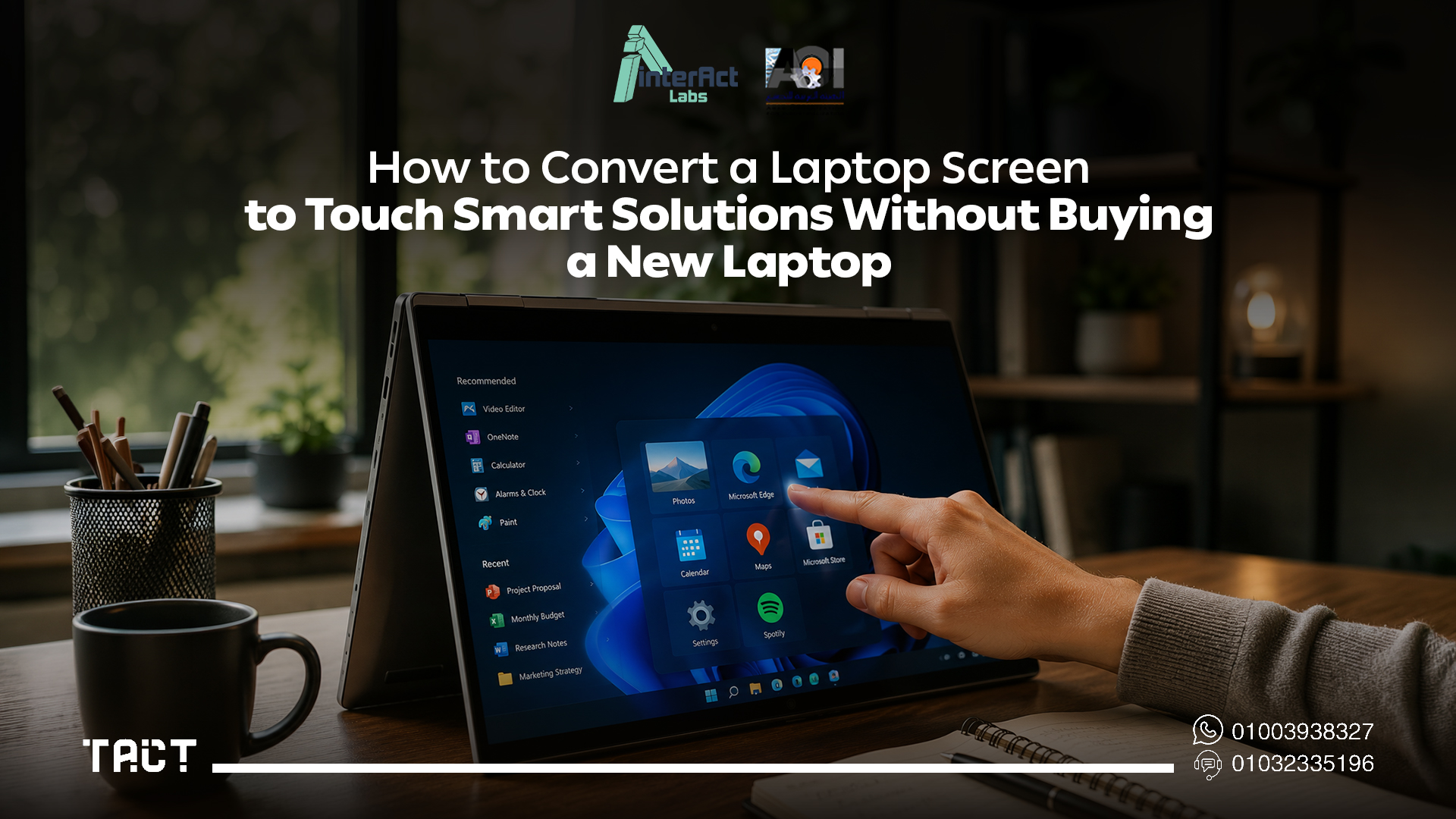
The short answer: not in the way most people expect.
If your laptop wasn't manufactured with a touchscreen display, you generally cannot transform the built-in screen into a true touchscreen by installing software or attaching a small external accessory. A laptop's touch capability depends on specialized hardware integrated into the display during manufacturing — a digitizer layer, a touch controller, and matching firmware. Without that hardware, the operating system has nothing to detect when you touch the screen.
This isn't a software limitation that can be patched. It's a hardware gap.
However, that doesn't mean you're out of options. Instead of modifying the laptop itself, modern interactive technologies allow you to create the same — or better — interactive experience using your existing laptop alongside an external display, projector, or presentation surface. This approach is often more affordable, easier to deploy, and significantly more suitable for education, business, and collaborative environments where the audience matters as much as the presenter.
Why People Want Touch Functionality on Their Laptops
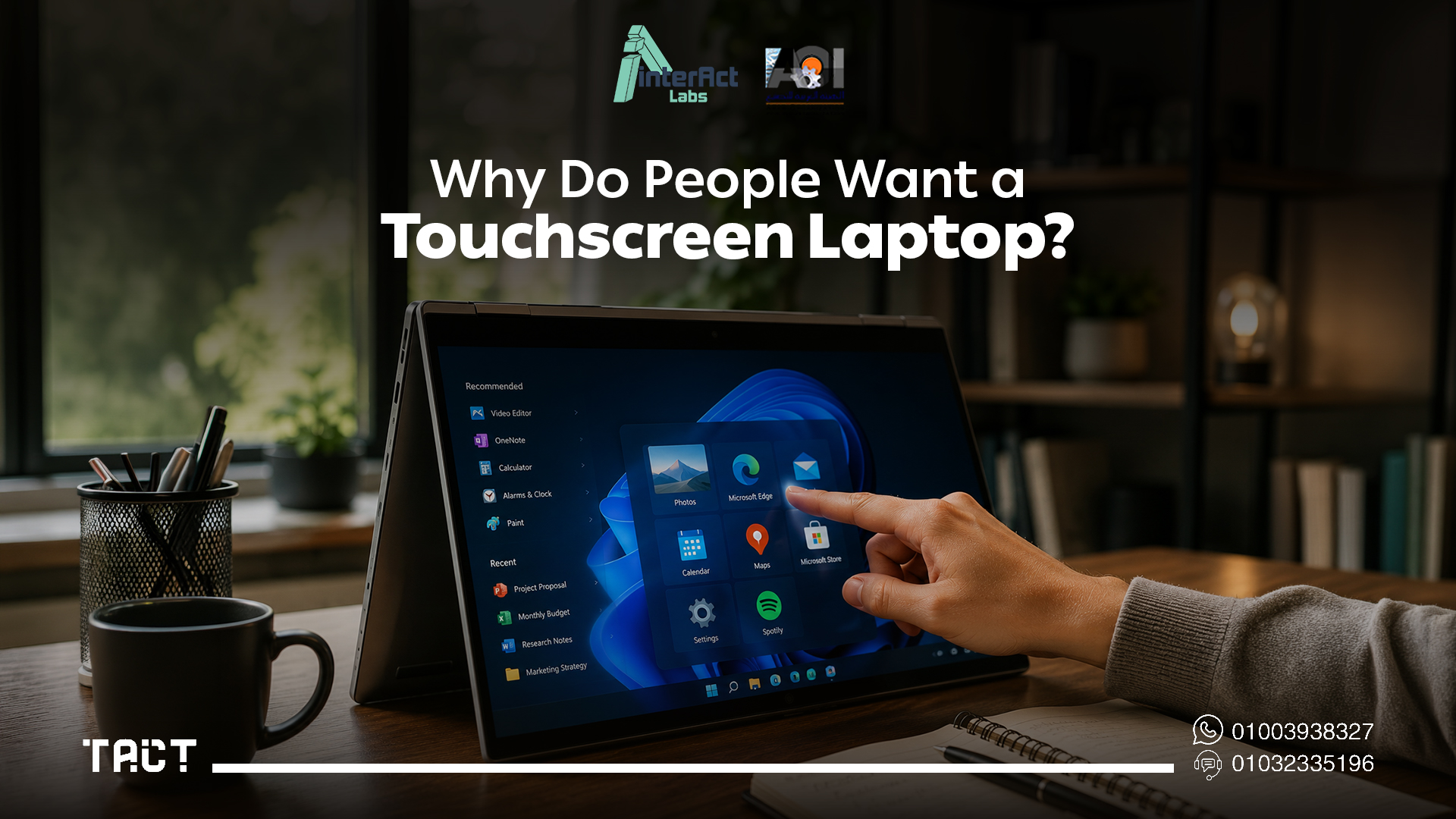
Touch interaction has become a natural part of everyday technology. Smartphones and tablets have changed how people work, learn, and communicate — and many users now expect that same direct interaction from their laptops.
People typically want to convert a laptop screen to touch because they need to write notes directly during presentations, draw diagrams while teaching, annotate PDFs and documents in real time, interact with educational software visually, deliver more engaging business presentations, or collaborate with students and team members on shared content.
For professionals who regularly present or teach, the ability to interact directly with content — rather than clicking through static slides — can dramatically improve how information lands with an audience.
The Real Options for Adding Touch Functionality
Several approaches exist for achieving touch or interactive capability with a laptop. Understanding what each one actually involves helps make a clearer decision.
Buying a new touchscreen laptop is the most obvious option. The setup is simple and the experience is seamless — but it requires replacing a functioning device, which is expensive and rarely justified when the laptop itself is performing well.
Replacing the laptop's display panel with a touchscreen unit is occasionally attempted but almost never practical. Compatibility depends on the display connector type, motherboard support, BIOS configuration, touch controller integration, and device drivers. For most laptops, this kind of upgrade is either physically impossible or more expensive than buying a new device.
Using an external touchscreen monitor adds touch capability to an external display connected to the laptop. This works reasonably well for individual desk-based work but becomes impractical for presentations and teaching — the monitor is limited in size and positioned for the user, not the audience.
Using an interactive presentation device like the Tact device takes a completely different approach. Rather than modifying or replacing the laptop, an interactive device works alongside it — transforming a projected surface, large TV, or external display into a fully interactive workspace. This is the approach that consistently delivers the most value for educators, trainers, and professionals who present to groups.
Why Upgrading Your Laptop Is Rarely the Right Answer
At first glance, buying a new touchscreen laptop seems like the simplest solution. In practice, it rarely is.
The cost difference between a touchscreen and non-touchscreen laptop is significant, and if your current device is otherwise performing well, the investment is hard to justify on touch functionality alone. More importantly, even if you buy a brand-new touchscreen laptop, you're still interacting with a screen that's typically 13–16 inches — perfectly functional for personal productivity but nearly useless when teaching 30 students, presenting to a meeting room, or running a training workshop where everyone needs to see what you're doing.
The hardware upgrade path is even less appealing. Laptop display panels are not interchangeable components. The combination of proprietary connectors, touch controller chips, and firmware requirements makes retrofitting touch hardware into most laptops either technically impossible or economically absurd.
For any use case that involves an audience — a classroom, a boardroom, a training center — the screen size constraint alone eliminates the laptop upgrade path as a meaningful solution.
A Smarter Alternative: Create an Interactive Workspace Instead
Rather than changing your laptop, consider changing how you interact with your content.
Modern interactive devices allow your laptop to remain exactly as it is while transforming an external screen, projector, or presentation wall into an interactive touch surface. This delivers most of what a touchscreen laptop provides — and adds something significantly more valuable: a large, audience-visible interactive workspace.
Interacting with content on a 75-inch display, or a projected surface spanning 100 inches or more, creates an entirely different dynamic than tapping a 15-inch laptop screen. The audience participates in a shared visual experience rather than watching a presenter click through slides in isolation.
See how this works in practice — browse the Interact Labs shop and explore interactive solutions for classrooms, training rooms, and meeting spaces.
The Tact Device: Interactive Capability for Any Display
The Tact device by Interact Labs is built specifically for this use case. Instead of modifying your laptop, Tact works alongside it — connecting your existing computer to any projector, TV, or large display and making that surface fully interactive.
The setup process is intentionally simple. Connect your laptop to a projector or display as you normally would, install the Tact software, position the device so it faces the projection or display area, and complete a quick calibration by tapping a few reference points with the interactive pen. From that point, the entire surface becomes interactive — you can write on presentations, open and navigate applications, annotate documents, draw diagrams, highlight key information, and control your computer directly from the display surface.
The result is a workspace that scales with the room. The same Tact device works equally well on a 55-inch classroom display, a 75-inch boardroom screen, or a projected image filling an entire wall. Interaction isn't limited to what fits on a laptop screen — it expands to whatever the room requires.
Key Advantages Over Buying a New Touchscreen Laptop
The Tact device addresses the core limitations of every other approach to converting a laptop screen to touch.
Your existing laptop stays useful. There's no need to replace a functioning device. The laptop continues doing exactly what it does well — running software, managing files, connecting to networks — while the Tact device adds the interactive layer on top.
Interaction scales to your audience. A touchscreen laptop is a personal device. The Tact device turns any display into a shared, audience-visible interactive surface — which is what actually matters in a classroom, training room, or meeting.
It works with equipment organizations already own. Schools and businesses typically have projectors, TVs, and monitors already installed. The Tact device extends those assets rather than replacing them, which changes the cost calculation entirely.
It's portable. Fixed interactive whiteboards require permanent installation. The Tact device is compact and travels between classrooms, offices, and venues — one device can serve multiple rooms on a rotating schedule rather than requiring one installation per room.
Setup takes minutes, not hours. There's no IT infrastructure work, no cabling, no mounting brackets. Connect, install, calibrate, and start presenting.
Who Benefits Most from the Tact Device
The Tact device is most valuable wherever interactive content delivery matters more than individual screen touch.
Teachers can write directly on presentations, explain diagrams, solve equations live on screen, and involve students in the lesson without needing a dedicated interactive whiteboard. The entire front of the classroom becomes interactive.
Schools and universities can modernize multiple classrooms without replacing projectors, displays, or laptops — the existing infrastructure becomes interactive at a fraction of the cost of new hardware.
Corporate trainers can annotate slides in real time, answer participant questions visually, and run workshops where active participation replaces passive observation. The difference in engagement is immediate and measurable.
Sales teams and executives can deliver client presentations that feel dynamic and responsive rather than scripted — drawing attention to specific data points, circling key figures, and responding to questions visually in the moment.
Conference speakers and workshop facilitators can move naturally around the stage while interacting with their content instead of remaining anchored behind a laptop.
Real-World Applications
The Tact device supports a wide range of everyday scenarios across different environments.
In education, it enables interactive classroom teaching, STEM demonstrations, live mathematics problem-solving, science experiments, language learning exercises, and student collaboration activities. In corporate environments, it transforms sales presentations, employee onboarding sessions, strategic planning meetings, product launches, and team brainstorming workshops. In training programs, it supports certification courses, technical software demonstrations, skills development sessions, and hands-on participant exercises.
The common thread across all these contexts is the same: interaction with content, at a scale the whole room can see, without requiring expensive hardware replacement.
Frequently Asked Questions — Convert Laptop Screen to Touch
Q: Can I turn any laptop screen into a touchscreen? Not in most cases. Touch capability depends on hardware built into the display during manufacturing. Without that hardware, software alone cannot add touch functionality. Interactive devices like the Tact device solve this differently — by making an external display or projection surface interactive rather than modifying the laptop itself.
Q: Is replacing my laptop screen with a touchscreen panel worth it? For most users, no. The replacement process requires component compatibility that most laptops don't support, and the cost often approaches or exceeds buying a new device. If your laptop is otherwise working well, an interactive presentation solution is a more practical investment.
Q: Can the Tact device work with any laptop? Yes. The Tact device is compatible with standard Windows laptops and works alongside your existing computer rather than replacing any hardware. As long as the laptop can connect to a projector or external display, the Tact device can make that display interactive.
Q: Does the Tact device work with projectors? Yes — this is one of its most common use cases. The Tact device transforms a projected image into a fully interactive surface, allowing users to write, annotate, and control content directly from the projection area.
Q: Does it work with TVs and large external displays? Yes. The Tact device works with projectors, large TVs, external monitors, and flat display panels. This makes it suitable for classrooms, offices, meeting rooms, training facilities, and any other environment that uses a large display for presentations.
Q: How long does setup take? Most users complete the full setup — connecting the laptop, installing the software, positioning the device, and calibrating — in under ten minutes. No IT support or technical expertise is required.
Q: Can multiple users interact at the same time? Yes. The Tact device supports collaborative interaction, making it suitable for group exercises, student participation activities, team brainstorming, and any scenario where more than one person engages with the content simultaneously.
Final Word: Convert Laptop Screen to Touch in 2026
If you're searching for ways to convert a laptop screen to touch, the honest answer is that true built-in touch functionality cannot be added to a standard laptop without hardware that was never there. Software workarounds and display replacements are either ineffective or prohibitively expensive for most users.
What can be done — and done well — is creating a genuinely interactive experience by pairing your existing laptop with an interactive presentation device. The Tact device by Interact Labs delivers that experience at a scale that actually works for classrooms, training rooms, boardrooms, and any environment where content needs to engage an audience, not just a single user.
Ready to make your existing laptop the center of an interactive presentation setup? Explore the Tact device on Interact Labs and find the right configuration for your space.


