

Have you ever wondered how to make your TV smart without replacing it? You're not alone.
Many homes, schools, offices, and training centers still use high-quality televisions that lack smart features — streaming apps, wireless screen sharing, internet browsing, or interactive capabilities. While buying a brand-new Smart TV is one option, it's often the most expensive and not always the most practical solution for what you actually need.
The good news is that you don't need a new television. Today, there are several affordable ways to upgrade your existing TV whether your goal is streaming your favorite content, sharing your laptop screen wirelessly, or turning your television into an interactive display for education and business presentations.
In this guide, you'll learn the best ways to make your TV smart, understand what each option actually delivers, and discover how the Tact device by Interact Labs can take your television well beyond smart entertainment by turning it into a fully interactive collaboration and presentation tool.
Want to upgrade your TV into an interactive workspace? Visit Interact Labs and explore what's possible.
Can You Make Any TV Smart?
The simple answer is yes almost any modern television with an HDMI port can be upgraded with smart capabilities. Instead of replacing your TV, you connect external devices that provide internet access, streaming services, wireless connectivity, or interactive functionality.
The best solution depends entirely on what you want your TV to do. Do you simply want to watch Netflix or YouTube? Do you need wireless screen mirroring from your laptop? Are you planning to use your TV for teaching or business presentations? Do you want to interact directly with content on the screen writing, annotating, drawing? Each of these goals requires a different type of solution, and understanding the options clearly helps you avoid spending more than necessary on features you won't use.
What Makes a TV "Smart"?
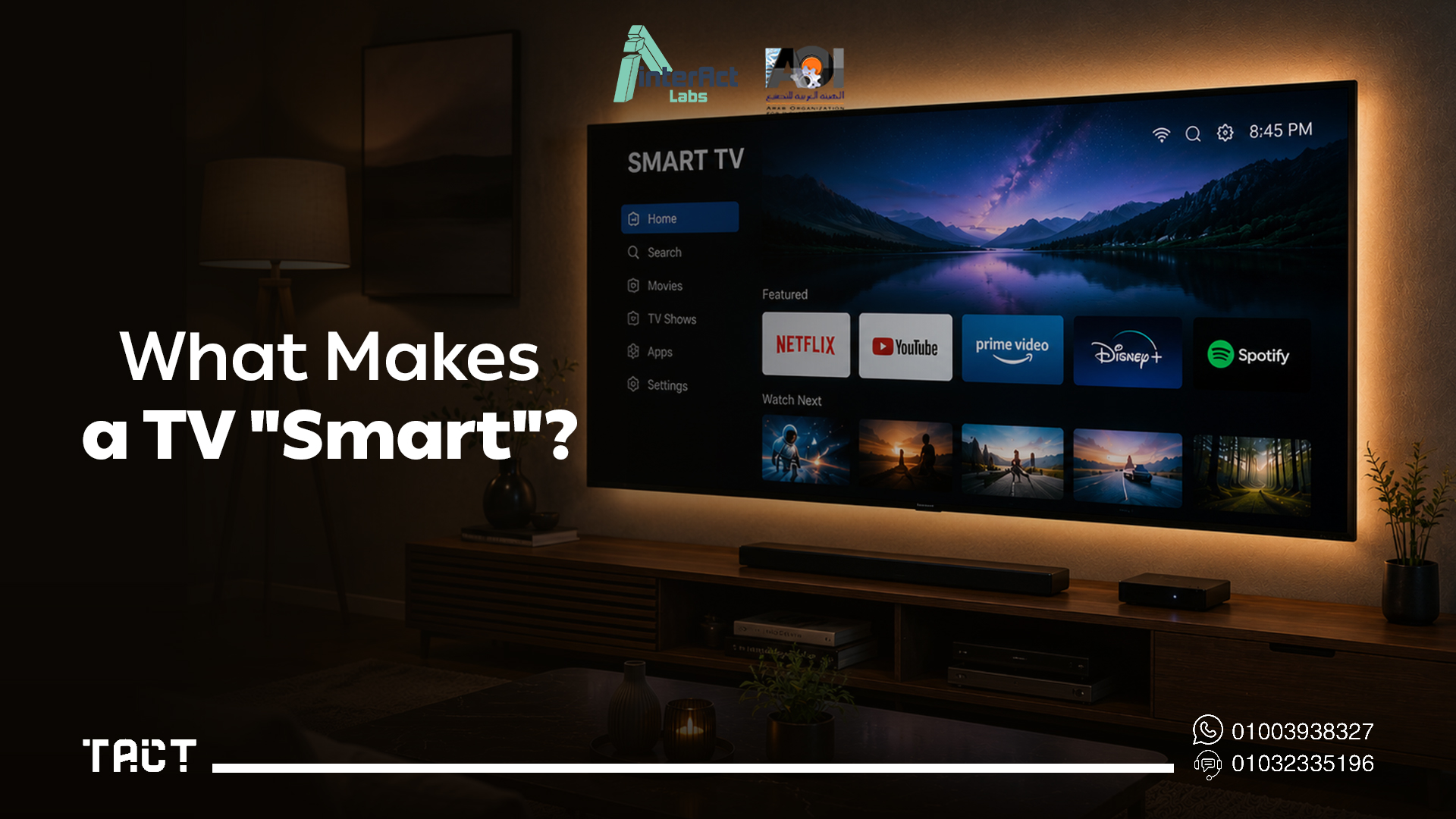
A Smart TV is more than a television connected to the internet. It combines traditional viewing with software and online services, allowing users to access digital content without additional equipment.
Typical Smart TV features include internet connectivity, streaming apps like YouTube and Netflix, app installation, voice assistant support, wireless screen mirroring, web browsing, and automatic software updates.
However and this is an important distinction being "smart" doesn't mean being interactive. Most Smart TVs allow you to consume content passively. They don't allow you to write on a presentation, draw a diagram during a lesson, annotate a PDF in real time, or collaborate with participants on screen. That functionality is a completely different category of capability, and it's where solutions like the Tact device become genuinely valuable.
The Best Ways to Make Your TV Smart
Several approaches exist for upgrading a standard TV. Each delivers a different level of capability.
Option 1: Streaming Devices
One of the easiest ways to add smart features to any TV is connecting a streaming device through the HDMI port. These small devices available at a range of price points provide instant access to Netflix, YouTube, Disney+, Amazon Prime Video, Spotify, internet browsing, and voice search, all controlled through a simple remote.
The setup takes minutes and requires no technical knowledge. For home entertainment purposes, a streaming device covers virtually everything most users need from a smart TV.
The limitation is equally clear: streaming devices are designed for entertainment consumption. They don't transform your TV into an interactive display. You still cannot write on a presentation, annotate a document, or collaborate during a meeting using a streaming device. If your TV is used for education or business presentations, a streaming device alone won't solve the problem.
Option 2: Connect Your Laptop via HDMI
Connecting a laptop to your television using an HDMI cable or wirelessly through screencasting instantly turns your TV into a larger monitor. This is an excellent option for business presentations, online classes, document sharing, and software demonstrations where a bigger display improves visibility.
The advantages are obvious: you're using equipment you already own, setup takes seconds, and the larger display immediately improves the presentation experience for any audience in the room.
The limitation is that the TV still behaves like a passive screen. Everything displayed on the TV is controlled from the laptop. When you need to change slides, open an application, highlight something on screen, or draw a diagram, you have to return to your keyboard and mouse. For teachers and presenters, that constant movement back to the laptop interrupts the flow of the session and reduces audience engagement.
Option 3: Mini PC or Dedicated Computing Module
Connecting a small dedicated computer to your TV via HDMI turns it into a full Windows or Android workstation. This approach works well for office environments where the TV functions as a primary monitor, and for settings where running full desktop software from the TV is a requirement.
The setup is more involved than a streaming device and the investment is higher. For purely productivity-focused office use, it's a practical option. For classroom teaching or training delivery where interaction with the displayed content is the goal, it doesn't solve the core problem the TV is still a passive display.
Looking for More Than a Smart TV?
If your television is used for education, corporate meetings, training sessions, or workshops, simply adding streaming apps or a larger monitor is rarely enough. What many organizations actually need is an interactive display one where the presenter can write directly on what's shown on screen, highlight information in real time, draw diagrams during an explanation, annotate PDFs being reviewed, and navigate applications without returning to a separate device.
This is the gap that separates a smart TV from a genuinely interactive TV, and it's where Tact by Interact Labs delivers something none of the other options above can.
How Tact Turns Your TV into an Interactive Display
The Tact device takes your television beyond entertainment and beyond passive display. Rather than simply adding apps or streaming services, it transforms your TV into an interactive workspace that supports teaching, collaboration, brainstorming, and professional presentations.
The setup process is straightforward and takes most users under ten minutes from start to finish.
Step 1 — Connect your laptop to the TV. Use HDMI or your preferred display connection exactly as you normally would when presenting from a laptop.
Step 2 — Install the Tact software. Download and install the Tact software on your computer. This software handles the communication between your laptop and the Tact device.
Step 3 — Position the Tact device. Place the device so it faces the television display area, positioned to cover the full visible screen surface.
Step 4 — Complete the calibration. Tap several designated calibration points with the interactive pen. This process ensures precise tracking across the entire display surface and takes under two minutes.
Step 5 — Start interacting. Your TV is now a fully interactive workspace. You can write directly on presentations, annotate documents, navigate Windows applications, open and close software, draw diagrams, highlight key information, and interact naturally with digital content all from the screen itself, without returning to your laptop.
Instead of walking back to your keyboard every few seconds, you remain in front of your audience and control everything from the display. The session flows continuously, and the audience stays engaged because the presenter stays engaged with them.
Benefits of Turning Your TV into an Interactive Display
Making your TV smart gives you streaming services and internet access. Making it interactive unlocks a fundamentally different level of productivity and engagement that matters across every professional environment where communication is the primary activity.
Present more naturally. Traditional presentations require standing beside a laptop, clicking through slides with a mouse while facing away from the audience. With an interactive display powered by Tact, you stay in front of your audience and control everything directly from the screen maintaining eye contact, reading the room, and responding naturally to what you see.
Write and annotate in real time. One of the most immediate advantages of an interactive display is the ability to write directly on digital content. Highlight important points by circling them. Solve equations step by step on the presentation slide itself. Annotate a PDF being reviewed without switching applications. Draw a diagram that responds to a question a participant just asked. These capabilities make lessons and presentations easier to follow and significantly more engaging.
Improve collaboration. Interactive displays shift the dynamic from one person presenting to a group to a group working together visually. Whether in a classroom or a meeting room, participants who can see ideas being developed in real time engage more actively than those watching a static sequence of slides.
Maximize existing equipment. Many schools and companies already own large TVs, projectors, and conference room displays. Instead of replacing this equipment with expensive dedicated interactive panels, the Tact device enhances what's already there reducing costs while extending the useful life and functional value of existing technology.
Easy to set up and easy to move. Unlike permanently mounted interactive whiteboards, the Tact device is compact and portable. One device can serve multiple rooms, moving with the teacher or trainer between sessions rather than sitting fixed in a single location.
Smart TV vs. Interactive TV: What's the Actual Difference?
Both improve the functionality of a standard television, but they serve genuinely different purposes.
A Smart TV gives you internet access, streaming apps, wireless screen sharing, and content consumption. It does not allow you to write on the screen, annotate presentations, deliver interactive teaching sessions, or collaborate with participants on shared content in real time.
A TV upgraded with the Tact device gives you everything a Smart TV offers because your laptop handles internet access and applications plus full interactive capability: writing directly on the display, annotating any content, digital whiteboarding, navigating applications from the screen, and real-time audience interaction.
If your primary goal is entertainment, a Smart TV is often enough. If your goal is education, training, business meetings, or professional presentations, interactive capability provides value that no streaming device or Smart TV upgrade can match.
Who Benefits Most from an Interactive TV?
The Tact device is most valuable wherever communication is the core activity and audience engagement matters.
Teachers can deliver lessons by writing directly on presentations, demonstrating concepts visually, solving problems live on the board, and inviting students to interact with the display all without an expensive dedicated interactive whiteboard.
Universities and lecture halls can modernize existing display setups without replacing projectors or large-format TVs. The Tact device works with both, making any large display in a lecture environment interactive.
Training centers can create hands-on learning experiences by interacting directly with digital content during workshops, certification programs, and skills development sessions where participant engagement determines outcome quality.
Corporate offices can improve meetings by reviewing documents together, annotating proposals in real time, brainstorming visually, and presenting strategies in a way that invites discussion rather than passive reception.
Sales teams can use interactive presentations to explain products, compare solutions visually, and respond to client questions by drawing directly on the content being discussed a significant improvement over static slide delivery.
Tips Before Deciding How to Upgrade Your TV
Before choosing a solution, these questions help identify what you actually need:
Does your TV have an HDMI port? For any of the upgrade options above, HDMI connectivity is the baseline requirement. Most TVs manufactured in the last ten years have at least one.
What will you primarily use it for entertainment, education, or business? If the answer is entertainment, streaming devices are sufficient. If the answer involves presenting to or collaborating with other people, interactive capability matters.
Do you already have a laptop or projector? The Tact device works with both, meaning existing equipment you've already invested in becomes the foundation for a fully interactive setup.
Will multiple people interact with the screen? Interactive displays support this. Standard Smart TVs do not.
Do you need portability between different rooms? The Tact device is compact and moves easily between classrooms, training rooms, offices, and venues.
Frequently Asked Questions — How to Make My TV Smart
Q: Can I make any TV smart? Yes. Most TVs with an HDMI port can be upgraded using external devices streaming sticks, laptops, mini PCs, or interactive devices. If you need more than streaming, the Tact device can transform your TV into a fully interactive display.
Q: Do I need an internet connection to make my TV smart? For streaming services, online apps, and cloud-based content, yes. For using your TV as a display for presentations or training sessions, you can connect it to a laptop without internet access and still use the full Tact interactive functionality.
Q: Can Tact work with any TV? Yes. The Tact device is compatible with most TVs that can be connected to a computer. Once connected, it enables full interaction with digital content directly on the display using the interactive pen.
Q: Does Tact work with Smart TVs as well as standard TVs? Absolutely. Even if you already own a Smart TV, Tact adds a completely different functional layer the ability to annotate presentations, write notes, draw diagrams, navigate applications, and collaborate during meetings. Smart TV features and interactive capability serve different purposes and work together.
Q: Can I use Tact with a projector instead of a TV? Yes. Tact works with both televisions and projectors. Organizations that already own projectors for classrooms or conference rooms can make those projection surfaces fully interactive without any hardware replacement.
Q: Is Tact difficult to install? No. Connect your laptop to the TV, install the Tact software, position the device, complete the calibration, and start interacting. Most users complete the full process in under ten minutes.
Q: Is a Smart TV enough for classroom or business meeting use? For entertainment, yes. For teaching, training, brainstorming, and professional presentations where direct interaction with content matters, a Smart TV alone is not enough. It displays content but doesn't allow you to interact with it.
Final Word: Making Your TV Smart in 2026
If you've been asking how to make your TV smart, the answer depends on what you actually need it to do. For entertainment purposes streaming, browsing, mirroring your phone a streaming device or Smart TV upgrade covers the requirement well and at low cost.
But if your TV is used for teaching, training, presenting, or any professional environment where engaging an audience is the goal, smart features alone won't get you there. What you need is interaction — the ability to work with content on the screen rather than simply display it.
The Tact device by Interact Labs transforms your existing television into a fully interactive workspace without replacing any hardware, without complex installation, and without the cost of a dedicated interactive panel. For teachers, trainers, business professionals, and anyone who uses a TV to communicate rather than just consume, that's the upgrade that actually changes what's possible.
Ready to take your TV beyond smart? Explore the Tact device on Interact Labs and find the right setup for your space.


