

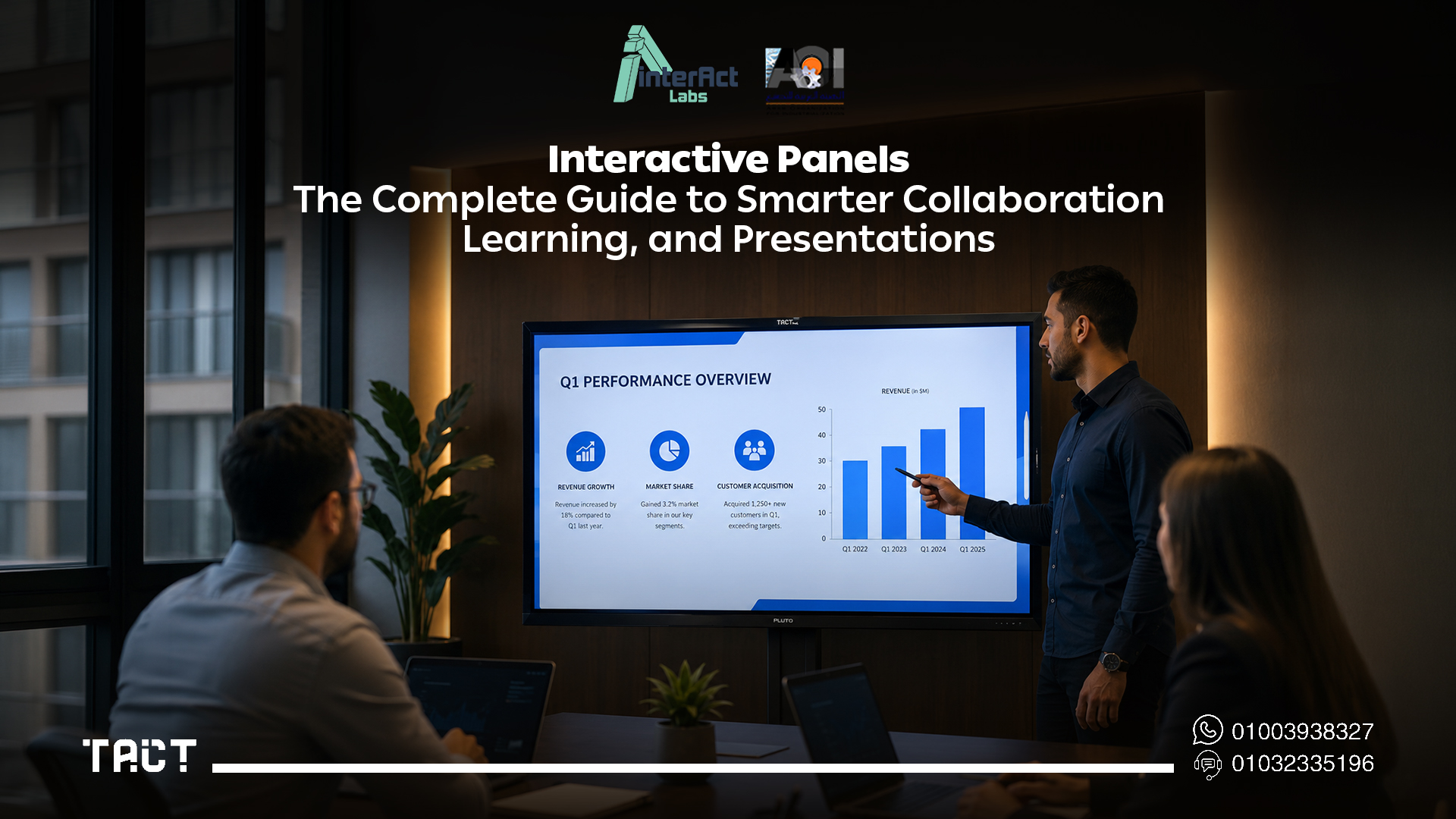
If you're evaluating interactive panels for your organization, you already know the basic pitch: touchscreen display, built-in software, collaborative tools. What you actually need to know is whether the specifications justify the investment, how they perform in real institutional environments, how they compare to what you already have installed, and whether there's a more cost-effective path to the same outcome for multi-room deployments.
This guide covers interactive panels from a procurement and infrastructure perspective — technical specifications, deployment considerations, cost reality, real-world use cases, and where purpose-built alternatives like Tact Panel by Interact Labs deliver better value for organizations managing multiple rooms within a fixed budget cycle.
Evaluating interactive display solutions for your organization? Visit Interact Labs and see the full technical specifications.
What Is an Interactive Panel?
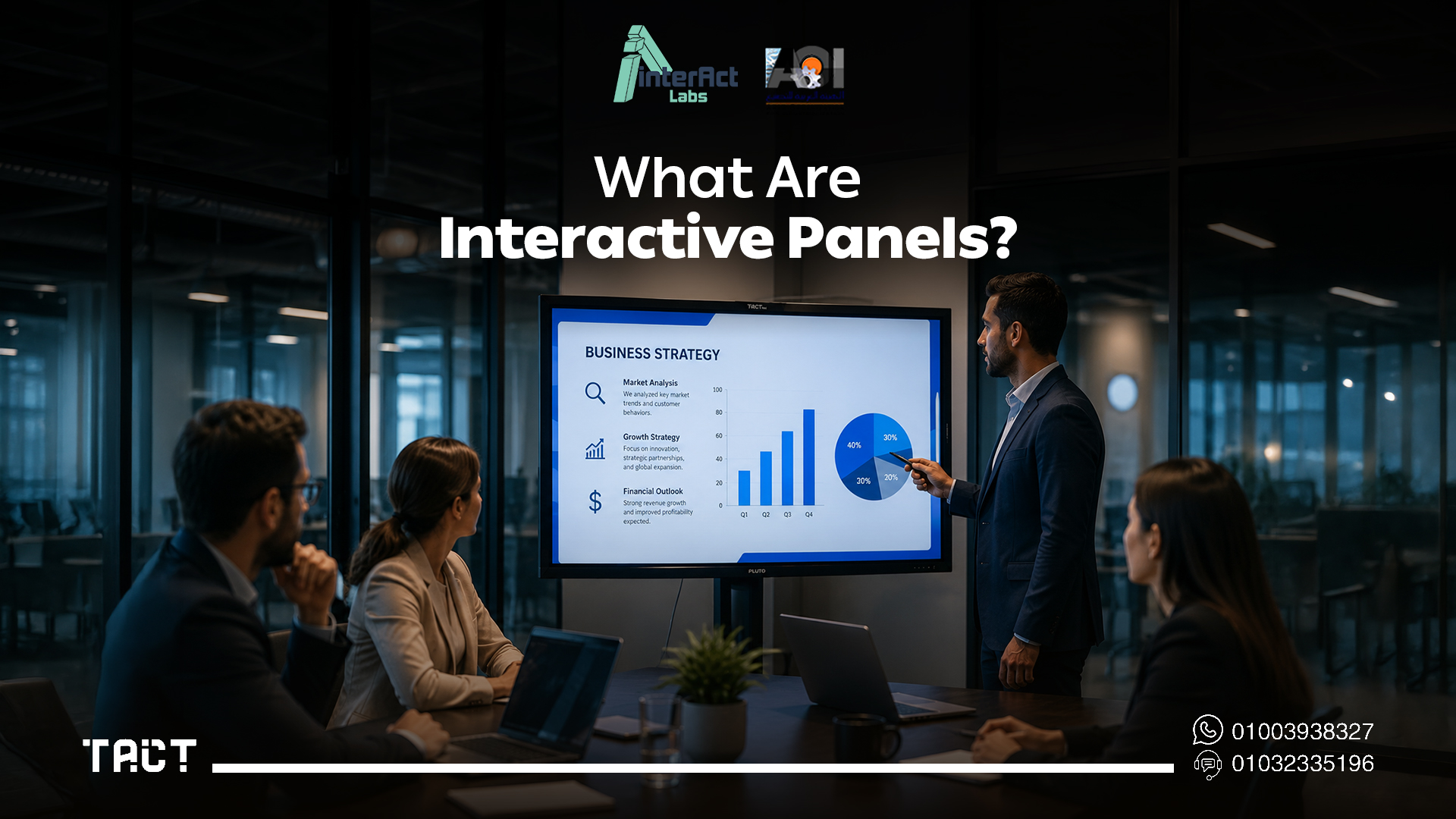
An interactive panel is a large-format touchscreen display that combines a high-resolution screen, multi-touch input layer, built-in operating system, and collaboration software into a single integrated unit. Unlike a standard monitor or projector setup, it allows direct interaction with digital content — writing, annotation, navigation, and multi-user input — without requiring additional hardware beyond a power connection.
Most enterprise-grade interactive panels run on Android or Windows, support HDMI and USB connectivity alongside wireless mirroring protocols, and include built-in speakers, a front-facing camera, and pre-installed collaboration software. The integration model is the core selling point: one device replaces a projector, screen, whiteboard, and in some configurations a meeting room PC.
Understanding exactly what you're buying — and what you're not — is the starting point for any honest procurement evaluation.
How Interactive Panels Work
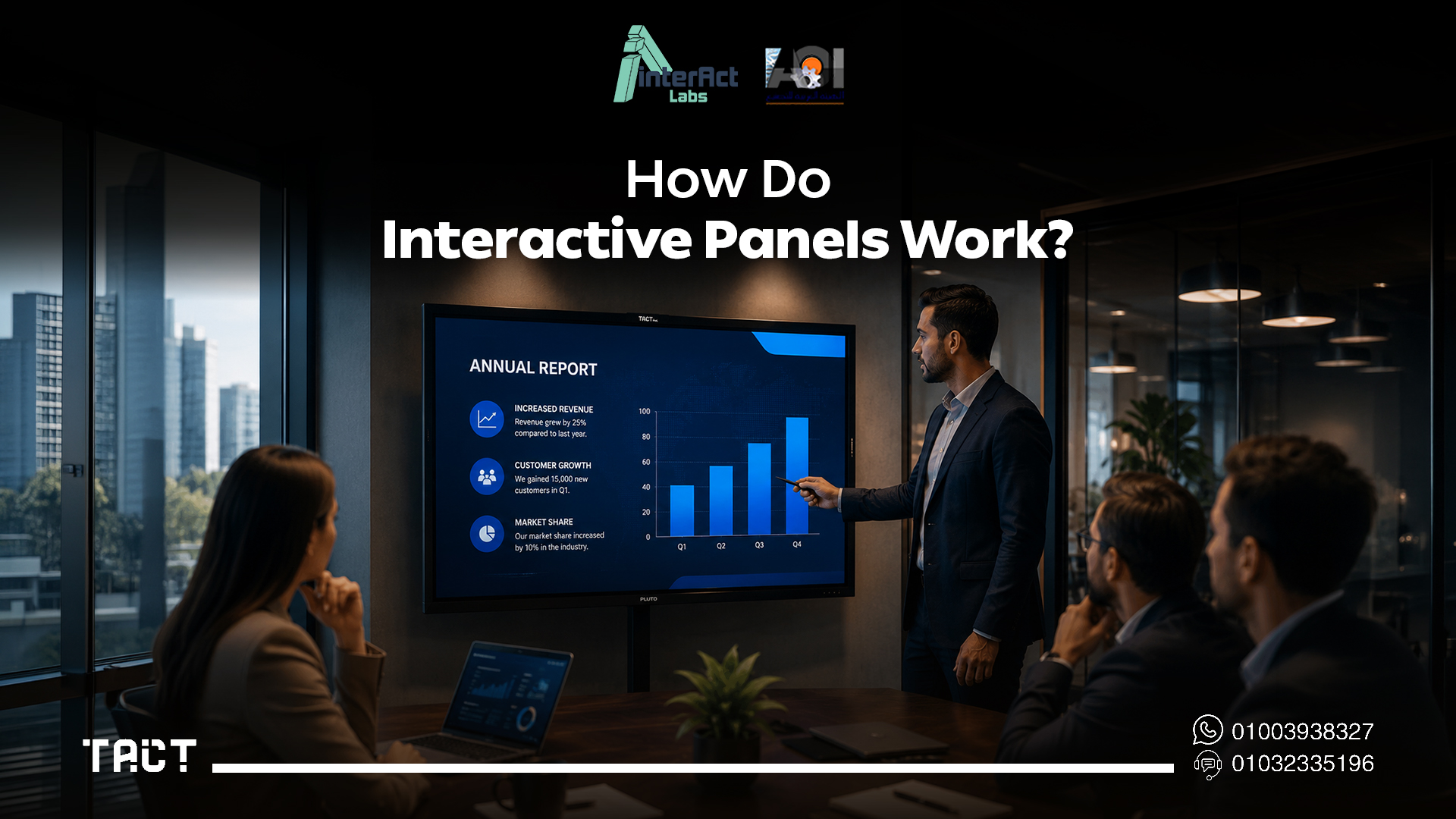
Interactive panels operate much like oversized touchscreen tablets. When connected to a computer — or using their built-in operating system independently — they allow users to control applications directly from the display surface.
The touch layer detects input from fingers or an interactive stylus and translates that input into commands the operating system processes in real time. This enables teachers, trainers, and presenters to open presentations, annotate documents, draw diagrams, navigate applications, play educational videos, and conduct collaborative sessions without any secondary control device.
Many models support multiple simultaneous touch points, which is what enables group interaction — more than one participant writing or navigating on the display at the same time. The number of supported touch points, and the accuracy of each, directly determines how useful the panel is for genuinely collaborative rather than single-presenter use.
Key Technical Specifications to Evaluate
When comparing interactive panels, these are the specifications that determine actual performance in daily institutional use — not the marketing positioning.
Display resolution and panel type 4K UHD (3840×2160) has become the baseline for enterprise interactive panels. For rooms wider than 8 meters, anything below 4K renders text at distances that strain participants seated at the back. Panel type matters as much as resolution: LED-backlit IPS panels deliver the best combination of color accuracy and wide viewing angles for room-sized displays. OLED options exist but are significantly more expensive and rarely justified in high-frequency classroom or training center environments.
Touch technology and point count Infrared touch grids are the most common technology in this price range. The point count — how many simultaneous touch inputs the panel supports — directly determines collaborative usability. A 10-point touch panel supports two users at 5 points each. For classroom group activities where student participation is a genuine requirement, 20-point support is the practical minimum. Anything below 10 points is a single-presenter tool, not a collaboration platform.
Touch accuracy and latency Specifications rarely publish latency figures, but anything above 35ms is perceptible during handwriting. For annotation-heavy use cases — mathematics, technical diagrams, live document markup — low latency is a functional requirement, not a comfort feature. This is worth testing in person before committing to a large-format specification across multiple rooms.
Built-in operating system Dual-OS panels running both Android and Windows via an OPS module offer maximum flexibility. Android handles day-to-day whiteboard and collaboration tasks without an external computer, while the Windows environment through the OPS slot supports the full range of enterprise and educational software when needed. Single-OS panels are cheaper but require an external PC for any Windows-dependent workflow — which reintroduces the cable and device management overhead the panel was supposed to eliminate.
Connectivity Enterprise deployments require HDMI 2.0 for 4K at 60Hz, USB-A for peripheral devices, USB-C with DisplayPort support for modern laptops, and reliable wireless display protocols covering Miracast, AirPlay, and where relevant, proprietary casting options. Panels that require separate dongles for basic wireless connectivity introduce friction that accumulates across hundreds of daily sessions and becomes a support burden for IT teams.
Durability rating For classroom environments specifically, glass hardness matters. Panels rated at 7H or above on the Mohs hardness scale resist scratching from rings, pens, and accidental physical contact. Anti-glare coating is standard for classroom deployments — glossy panels create significant visibility problems under standard overhead lighting conditions.
Where Interactive Panels Deliver Clear Value
Interactive panels are the right choice in specific deployment scenarios.
In newly built or fully renovated rooms where no display infrastructure exists, an interactive panel is often the most cost-efficient integrated solution — one purchase, one installation, one device to manage. In small to medium rooms up to approximately 12 meters deep, a single panel can serve the full audience without visibility compromises. In environments where wireless connectivity and built-in OS capability are required independently of any external computer, a full-spec interactive panel is difficult to match on integration alone.
For video conferencing rooms where the integrated camera, microphone, and display need to function as a unified certified system for Microsoft Teams or Google Meet, panels with pre-certified hardware simplify both deployment and ongoing IT management significantly.
These are the scenarios where the premium is justified. The difficulty arises when the deployment scope expands beyond these conditions.
Where Interactive Panels Fall Short for Multi-Room Deployments
The limitations become significant — and financially material — when the deployment covers multiple rooms.
Cost per room scales linearly. A quality enterprise interactive panel carries a substantial per-unit price. For a school deploying across 20 classrooms or a corporate campus covering 15 meeting rooms, that per-unit cost creates a budget ceiling that typically makes full simultaneous deployment impossible. The result is a multi-year phased rollout where some rooms have modern interactive capability and others don't — which creates exactly the kind of inconsistency that undermines institutional adoption.
Existing infrastructure becomes stranded. Most organizations evaluating interactive panels already have projectors, large-format TVs, or established display systems. Purchasing new panels doesn't deactivate those assets — it sidelines them. The effective cost of the upgrade includes both the new hardware and the stranded investment in working equipment that still has operational life remaining.
Fixed installation limits flexibility. Interactive panels are wall-mounted or stand-mounted permanent installations. Redeploying one from a room that no longer needs it to one that does requires physical relocation work and typically IT reconfiguration. In practice, panels stay where they're installed regardless of how room usage patterns shift over time.
Large-format display needs exceed panel dimensions. For lecture halls, auditoriums, and large training facilities where the display needs to reach above 100 inches to serve a wide audience, even the largest interactive panels — typically 86 inches — fall short. These environments still require projector infrastructure, which raises the question of why smaller rooms had their projector infrastructure replaced at all.
Tact Panel: The Purpose-Built Alternative for Multi-Room Deployments
Tact Panel by Interact Labs addresses the multi-room deployment problem from a fundamentally different structural position. Rather than replacing existing display infrastructure, it adds a high-specification interactive layer to whatever a room already has — or stands alone as a complete interactive display where new hardware is genuinely needed.
The technical specifications of Tact Panel are built for the same institutional environments where enterprise interactive panels are typically deployed. Full HD and 4K resolution options are available depending on room size requirements, with IPS panel technology delivering consistent viewing angles across wide seating configurations. Multi-touch support across the full display surface is calibrated for handwriting and precision annotation, with latency specifications that make live mathematical notation and technical diagram work genuinely usable rather than frustrating.
Dual operating system support covers both Android for standalone operation and full Windows compatibility for enterprise software environments — the same flexibility that dual-OS interactive panels offer, in a product built specifically for institutional use in the Egypt and Gulf markets with local support infrastructure to match.
HDMI, USB, and wireless connectivity covers the full range of device types that appear in real institutional settings. The build specification for classroom environments includes anti-glare surface treatment and robust touch glass rated for high-frequency daily use across a full academic year of intensive operation.
For organizations managing multi-room deployments, Tact Panel's per-unit cost structure makes comprehensive rollout financially viable within realistic budget cycles — rather than a phased plan that stretches three to five years and leaves most rooms waiting.
Deployment Considerations for IT Managers
Network and device management Both interactive panels and Tact Panel support standard IT management approaches. Confirm MDM compatibility and remote management capability before committing to any large-scale deployment. Managing 20 or more interactive displays through individual physical access is not a sustainable IT workflow — remote configuration and monitoring capability is a procurement requirement, not an optional feature.
Warranty and local support For institutional deployments in Egypt and the Gulf region, local support infrastructure matters more than the warranty document itself. Interact Labs provides direct technical support within Egypt, with local spare parts availability and on-site service capacity when required. Imported international panel brands typically route support through regional distributors with variable response times and parts lead times that can leave a classroom offline for weeks during a critical term.
Spare parts and repair cycles For any display deployed in a classroom environment, the practical question is: if this unit develops a fault, how long is it offline and how much does resolution cost? Local supply chains for components make a measurable operational difference. A panel that can be serviced locally within 48 hours has a fundamentally different total cost of ownership than one dependent on international parts ordering.
Teacher and trainer adoption Technology adoption in institutional settings is driven more by ease of use than specification depth. Displays and devices that require extended training before productive use see significantly lower adoption rates than those where teachers are functional within a single orientation session. The best specification in a room that teachers avoid using delivers zero educational value.
Best Practices for Interactive Panel Deployments
Regardless of which interactive display solution you choose, these practices determine whether the technology delivers on its potential.
Provide structured onboarding, not just technical setup. The installation is the easy part. Teachers and trainers who receive practical onboarding — how to annotate, how to save session notes, how to involve students — adopt the technology consistently. Those who receive only a hardware walkthrough typically revert to using it as an expensive projector.
Establish content integration from day one. Interactive displays work best when the content delivered through them is designed for interaction — annotatable PDFs, collaborative exercises, visual problem-solving tasks. Deploying interactive hardware without adapting the content that runs on it captures only a fraction of the available value.
Define your IT management workflow before deployment. For multi-room deployments, decide upfront how devices will be updated, monitored, and supported. A consistent management approach established before deployment is significantly easier to maintain than one retrofitted after 20 devices are already in use across a building.
Frequently Asked Questions — Interactive Panels
Q: What's the minimum touch point count for classroom use? For single-teacher use, 10-point touch is sufficient. For genuine student collaboration activities, 20-point support is the practical minimum. Anything below 10 is a single-presenter tool.
Q: Can interactive panels work without an external computer? Yes — panels with built-in Android OS operate independently for whiteboard, annotation, and browser-based tasks. Windows-dependent software requires either a built-in OPS module or an external PC.
Q: How does Tact Panel handle dual-OS switching? Tact Panel supports both Android and Windows environments, with switching handled through the interface without reboots or physical reconfiguration the same device serves independent classroom use and laptop-connected presentations without workflow interruption.
Q: What's the realistic lifespan of an interactive panel in a classroom? Quality panels are typically rated for 50,000 hours of display operation. Touch layer durability depends on usage intensity and glass hardness panels in primary school environments with high physical contact should be specified at 7H or above.
Q: Is wireless connectivity reliable enough for primary classroom use? For screen mirroring from a single device under normal institutional network conditions, yes. For multi-device simultaneous wireless input during critical sessions, a wired backup connection is advisable.
Q: Is there a cost-effective alternative to purchasing interactive panels for every room? Yes. For organizations that already have projectors or large displays installed, the Tact device by Interact Labs adds interactive capability to existing infrastructure at a fraction of the per-room cost of new panel installations. For rooms that need a complete new display solution, Tact Panel delivers enterprise-grade specifications with local support in Egypt and the Gulf region.
Final Word: Interactive Panels in 2026
Interactive panels are a strong solution for specific deployment scenarios — new builds, small rooms, video conferencing environments where integration is the priority. For multi-room institutional deployments where existing display infrastructure is already in place, the per-unit cost, stranded asset problem, and fixed installation constraints make a compelling case for evaluating alternatives that work with what's already installed.
The right decision depends on your specific infrastructure, budget cycle, and deployment scope. For organizations in Egypt and the Gulf region managing multi-classroom or multi-room rollouts, Tact Panel deserves direct comparison before committing to a full interactive panel replacement program — the specifications are competitive, the local support infrastructure is real, and the deployment economics change significantly at scale.
Ready to evaluate Tact Panel for your organization? Explore the full product range on Interact Labs and request a technical specification consultation.


