

Teaching is one of the few professions where the quality of your tools directly affects the quality of someone else's learning. When the tools are limited, even strong teachers hit a ceiling — explanations that would land better with a visual stay verbal, concepts that need building step-by-step get compressed onto a whiteboard that gets erased before students have processed them, and lessons that could involve the whole class default to one-directional delivery because there's no practical way to do otherwise.
A smart board for teaching removes that ceiling. It doesn't change what you know or how you think about your subject — it changes what you can do with that knowledge in a classroom. And the difference, in practice, is significant.
This guide is written for the teacher evaluating interactive technology for their own classroom or professional development. It covers how smart boards actually improve the teaching experience, which features matter most for daily classroom use, and how solutions like the Tact device by Interact Labs make interactive teaching accessible without requiring your school to replace its entire display infrastructure.
Looking for interactive teaching tools that work with what you already have? Visit Interact Labs and explore what's available.
What a Smart Board for Teaching Actually Means
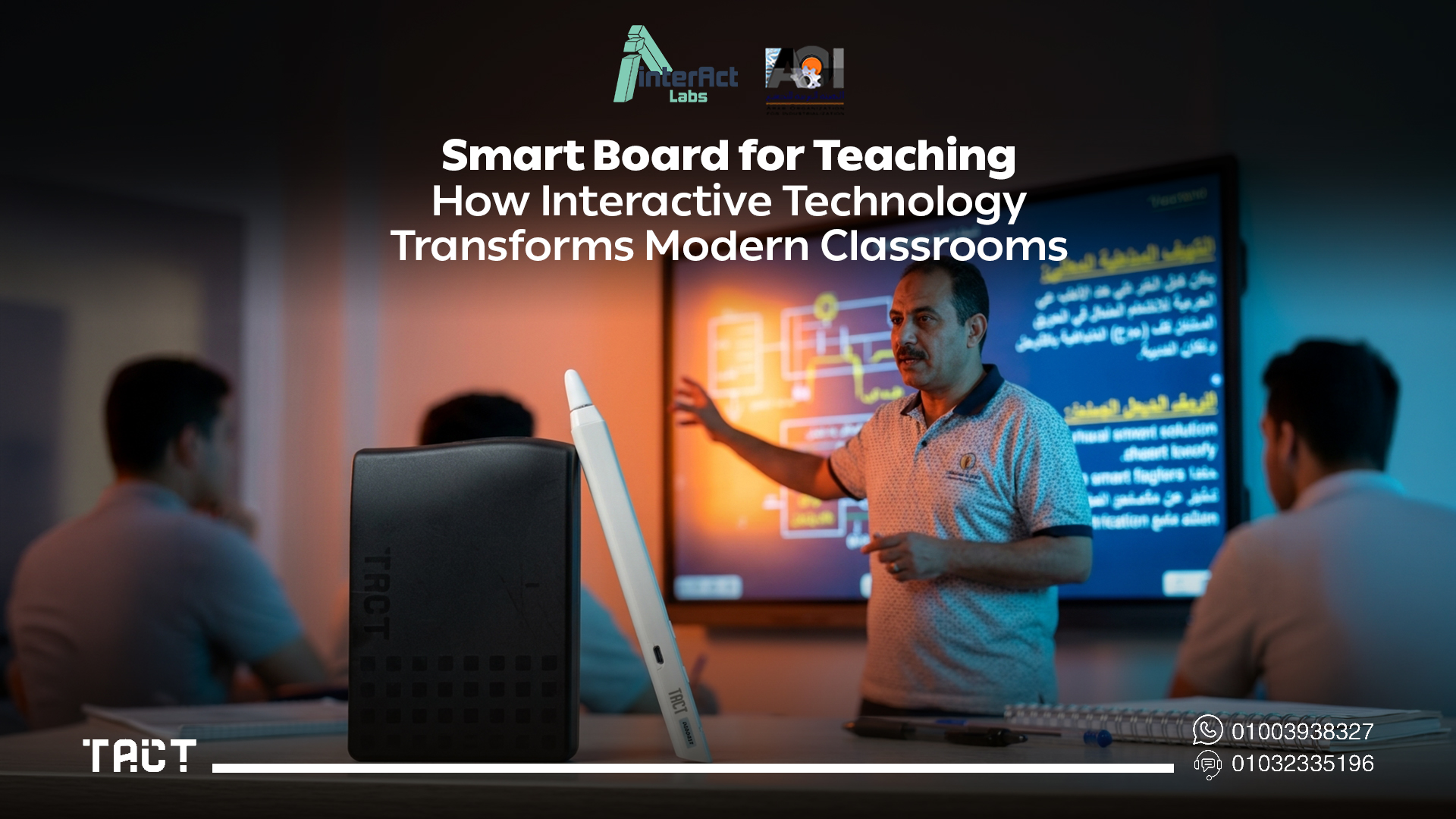
A smart board for teaching is an interactive digital display that allows educators to present lessons, annotate content, interact with educational software, and involve students directly — all from the display surface rather than from a keyboard and mouse at a desk.
In practical terms, it means you can write on a presentation slide the same way you'd write on a whiteboard, but the slide is still a slide — you can clear the annotations, move to the next one, come back, and the annotations are still there if you saved them. You can pause a video and draw directly on the frame to highlight what you want students to notice. You can open a student's submitted work and annotate it in front of the class. You can invite a student to come up and solve a problem on the board rather than describing it verbally.
None of these things are impossible without a smart board. But they're cumbersome enough without one that most teachers don't do them regularly — which means most lessons are less interactive than they could be, not because the teacher isn't skilled, but because the tools don't support it.
How Smart Boards Improve Teaching
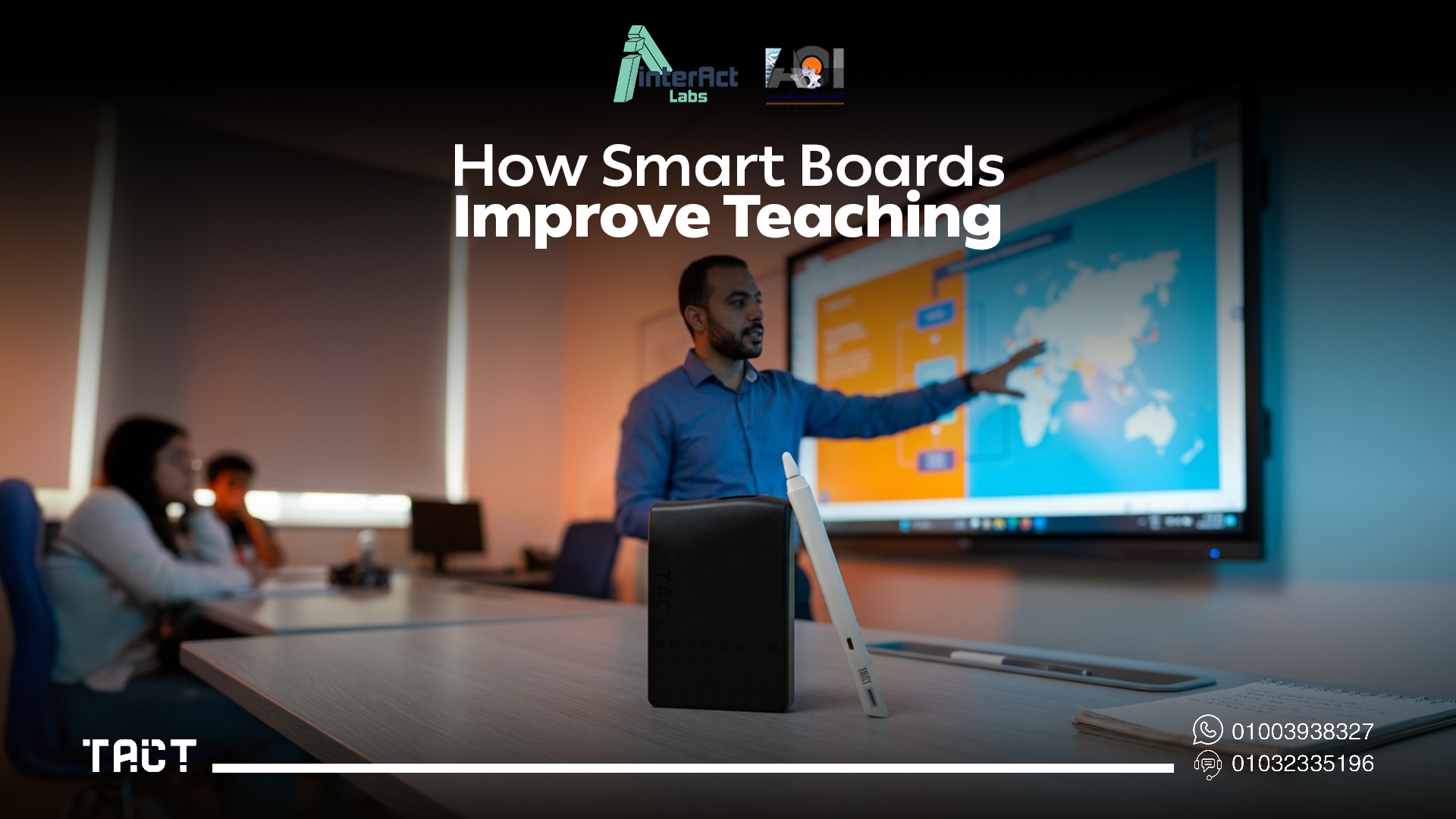
More engaging lessons through genuine multimedia integration. The difference between a lesson that uses a video and a lesson that uses a video well is whether the teacher can pause, annotate, highlight, and discuss while the video is on screen rather than switching back and forth between tools. A smart board makes that fluid. Images, videos, diagrams, live web content, educational software, and handwritten annotation coexist on the same surface without switching applications or modes.
Clearer explanations of complex concepts. Some ideas need to be built visually, step by step, in front of students. A smart board allows you to develop a diagram as you explain it — adding to it, highlighting specific parts, zooming into detail — rather than presenting a finished diagram and explaining it after the fact. For mathematics, science, geography, and technical subjects especially, this changes how well students follow the explanation as it happens.
Active student participation, not just passive observation. When students know they might be called to the board to solve a problem, label a diagram, or contribute to a group exercise, attention stays higher throughout the session. The physical act of coming to the board — touching the surface, writing, being visible to peers — also produces a different quality of engagement than answering verbally from a seat. Regularly inviting students to interact with the display changes the classroom dynamic from audience to participants.
Lesson continuity without constant device-switching. Most teachers who don't have interactive displays spend some portion of every lesson physically moving between the display and the computer — to change slides, open a new resource, navigate a website, or respond to a student question that requires pulling something up. Every one of those trips interrupts the flow of the lesson. A smart board eliminates that interruption entirely. You stay at the front of the room, where the teaching happens.
Saved, reusable, shareable lesson content. Everything written or annotated during a lesson can be saved. That means students who were absent have access to exactly what was covered. Students who need to revise can review the actual annotated explanation rather than their own notes. And for the teacher, the lesson is available to reuse, update, or build on next year rather than recreating it from scratch.
Teaching Challenges That Interactive Technology Addresses
Keeping students focused. Attention is increasingly difficult to hold in a classroom, and a teacher who can only offer verbal explanation and a whiteboard is working against the grain of how students are used to receiving information. Interactive lessons — where content changes, annotations develop, and participation is expected — hold attention more effectively than static delivery simply because more is happening and more might be asked of any student at any moment.
Visual explanations in text-heavy subjects. Language teachers explaining grammatical structures, history teachers walking through a timeline, business teachers mapping a supply chain — all of these benefit from the ability to build a visual representation in real time and annotate it as the explanation develops. Smart boards make this possible without requiring a separate whiteboard session alongside a projector presentation.
Managing collaborative classroom activities. Group activities are more productive when the display can support them — when multiple students can contribute simultaneously, when a shared document or exercise is visible to everyone and editable by participants, when the outcomes of the group discussion are captured on screen rather than lost when someone erases the whiteboard.
The end-of-lesson erasure problem. Traditional whiteboards require you to erase at the end of every lesson. Anything written during the session is gone. This creates a constant low-level cost to teaching — the knowledge that detailed explanations, worked examples, and developed diagrams will disappear — which subtly discourages teachers from developing rich visual content during lessons. Interactive boards invert this entirely. The content is the default saved state, not the erased state.
Interactive Teaching Without Replacing Your Classroom Equipment
Many schools have functioning projectors, classroom TVs, or large displays that represent working prior investments. The Tact device by Interact Labs makes those existing displays interactive — without any hardware replacement.
The setup process is designed to be teacher-managed, not IT-dependent. Connect your laptop to the existing classroom projector or TV via HDMI as you normally would for any lesson. Install the Tact software on the computer — this handles communication between the laptop and the interactive device. Position the Tact device facing the display surface. Complete the two-minute calibration by tapping reference points with the interactive pen. From that point, the existing display is fully interactive.
You write directly on presentations, annotate content, draw diagrams, navigate applications, highlight key information, and invite students to come to the board and interact — all from the display surface, without returning to the laptop. Everything produced during the session can be saved and shared immediately after class.
The device is also portable. If you teach in different rooms, the Tact device moves with you. Your interactive teaching capability isn't tied to a specific classroom — it follows your laptop and your lessons wherever they happen.
See the full Tact device range and specifications — and find the configuration that fits your classroom setup.
Tact Panel: When Your Classroom Needs a New Display
For classrooms where the existing display infrastructure is outdated or where a permanent, high-specification interactive display is the right solution, Tact Panel by Interact Labs delivers institutional-grade interactive display capability built specifically for daily classroom use.
Tact Panel's 4K IPS display maintains clarity from all seating positions with anti-glare treatment calibrated for classroom overhead lighting. Multi-touch support across the full surface enables multiple students to interact simultaneously. Dual Android and Windows OS support means the panel operates independently for standard whiteboard sessions and connects to your laptop for the full range of educational software you already use.
For teachers, the practical difference between a dedicated interactive panel and a conversion device comes down to the display itself. Tact Panel is the integrated solution — display, touch, and OS in one — while the Tact device adds interactivity to an existing display. Both deliver genuine interactive teaching capability; which one is right depends on what the classroom already has installed.
Smart Board vs. Traditional Teaching: What Changes Day to Day
The difference between smart board teaching and traditional teaching is less about the technology and more about the range of options available to the teacher during a lesson.
Traditional teaching — whiteboard, projector, printed materials — is not ineffective. The constraint is that the tools are separate, transitions between them interrupt lessons, and the content produced during a session disappears at the end of it. Teachers in this environment make it work through skill and experience. But the ceiling on lesson interactivity, visual richness, and student participation is relatively low.
Smart board teaching adds the ability to combine all content types on one surface without transitions, to annotate and interact with whatever is displayed, to capture and save everything produced, and to involve students in direct physical interaction with the lesson content. The ceiling moves significantly higher — not automatically, but as a function of how the teacher uses the capability.
The most important thing interactive technology changes for teachers isn't any single feature. It's the relationship between the teacher and the front of the room. When the display is interactive, the teacher can stay there, facing the class, for the entire lesson — not because they're anchored to it, but because everything they need to do is available from that position.
Subject-Specific Benefits for Teachers
Mathematics. Work through problems step by step on the slide where the problem is printed. Circle the relevant part of a formula. Build a graph incrementally. Invite students to identify where a calculation went wrong. Save the worked example for students to review before an exam.
Science. Annotate diagrams of cell structures, electrical circuits, or chemical processes as you explain them. Pause a video of a reaction and draw attention to what's happening at the molecular level. Build a food web together with student contributions.
Geography. Zoom into a map and draw on it to show migration patterns, climate zones, or political boundaries. Annotate satellite imagery in real time. Build a population pyramid alongside student input.
Languages. Highlight grammatical structures in a text on screen. Annotate a student's writing sample in front of the class. Play and pause audio or video content to discuss specific language points.
History. Annotate a primary source document. Build a timeline with student contributions. Draw connections between events on a visual map of the period. Display images of artifacts and annotate what they tell us.
Computer science. Trace through code on screen, line by line, highlighting the relevant section as you explain it. Draw a flowchart as you walk through an algorithm. Annotate the output of a program to identify where a bug originates.
Practical Tips for Teachers Using Interactive Technology
Start with what you already do well. If you regularly use a particular type of explanation — working through a problem, building a diagram, discussing a text — make that the first thing you do interactively. Starting with familiar content in a new format is easier than redesigning lessons from scratch.
Invite participation early and often. The first time you invite a student to the board, it might feel awkward. By the fifth time, it's a normal part of how your lessons run. Establishing the expectation of participation early in the year is what makes it sustainable.
Save everything, every lesson. It takes one additional step and costs nothing. The benefit — for your own lesson planning and for students who need to review — compounds over time into a genuinely useful resource library.
Don't try to use every feature in the first week. Annotation, lesson navigation, and student participation are the high-value basics. Master those first before adding multimedia complexity or collaborative tools. Interactive technology improves gradually with use, not all at once from day one.
Use the display to respond to student questions visually. When a student asks a question, drawing the answer on the display rather than describing it verbally is the single most immediate improvement most teachers notice when they start using interactive tools. The habit of making explanations visual is the core skill that interactive technology enables.
Frequently Asked Questions — Smart Board for Teaching
Q: Are smart boards difficult for teachers to use? No. The annotation tools and basic navigation are intuitive for anyone comfortable using a computer. Most teachers are independently productive with a smart board after a single orientation session. The deeper capabilities develop with practice over weeks, not days.
Q: Can I use interactive teaching tools without my school buying new hardware? Yes. The Tact device transforms existing projectors, TVs, and display screens into interactive teaching surfaces. As long as your classroom has a display that connects to a laptop, you can have interactive teaching capability without any new display hardware.
Q: Does the Tact device work with projectors? Yes. This is one of its most common configurations. The projected surface — whether on a wall, a screen, or a whiteboard — becomes fully interactive through the Tact device.
Q: Can students interact with the display, or is it just for the teacher? Both. The Tact device supports multi-user interaction — multiple students can interact with the display simultaneously, making it suitable for collaborative exercises, group problem-solving, and classroom participation activities.
Q: Can I save my lesson annotations and share them with students? Yes. Everything written or annotated during a session is saveable and shareable — ideal for students who were absent, students who want to revise, and teachers building a reusable lesson library.
Q: What happens if my laptop disconnects mid-lesson? Reconnecting the laptop and re-calibrating takes under two minutes. For lessons where continuity is critical, keeping the laptop charged and the cable secure is the practical precaution.
Q: Is interactive teaching effective for all age groups? Yes. The approach adjusts — younger students benefit most from visual and hands-on engagement, older students from collaborative problem-solving and annotation-based explanation — but the underlying technology works across all age groups and subjects.
Final Word: Smart Board for Teaching in 2026
A smart board for teaching changes what's possible in a classroom lesson by lesson, subject by subject. Not dramatically on day one, but accumulating over months into a fundamentally different kind of teaching — more visual, more interactive, more responsive to students, and more consistent in the quality of content that reaches them.
The technology to achieve this doesn't require replacing your classroom infrastructure. For teachers whose schools already have projectors or displays, the Tact device provides full interactive teaching capability using what's already in the room. For classrooms that need a new display alongside interactive capability, Tact Panel is the integrated solution built for daily institutional use.
Ready to make your lessons more interactive? Explore the Tact device and Tact Panel on Interact Labs and find the right setup for how you teach.


