

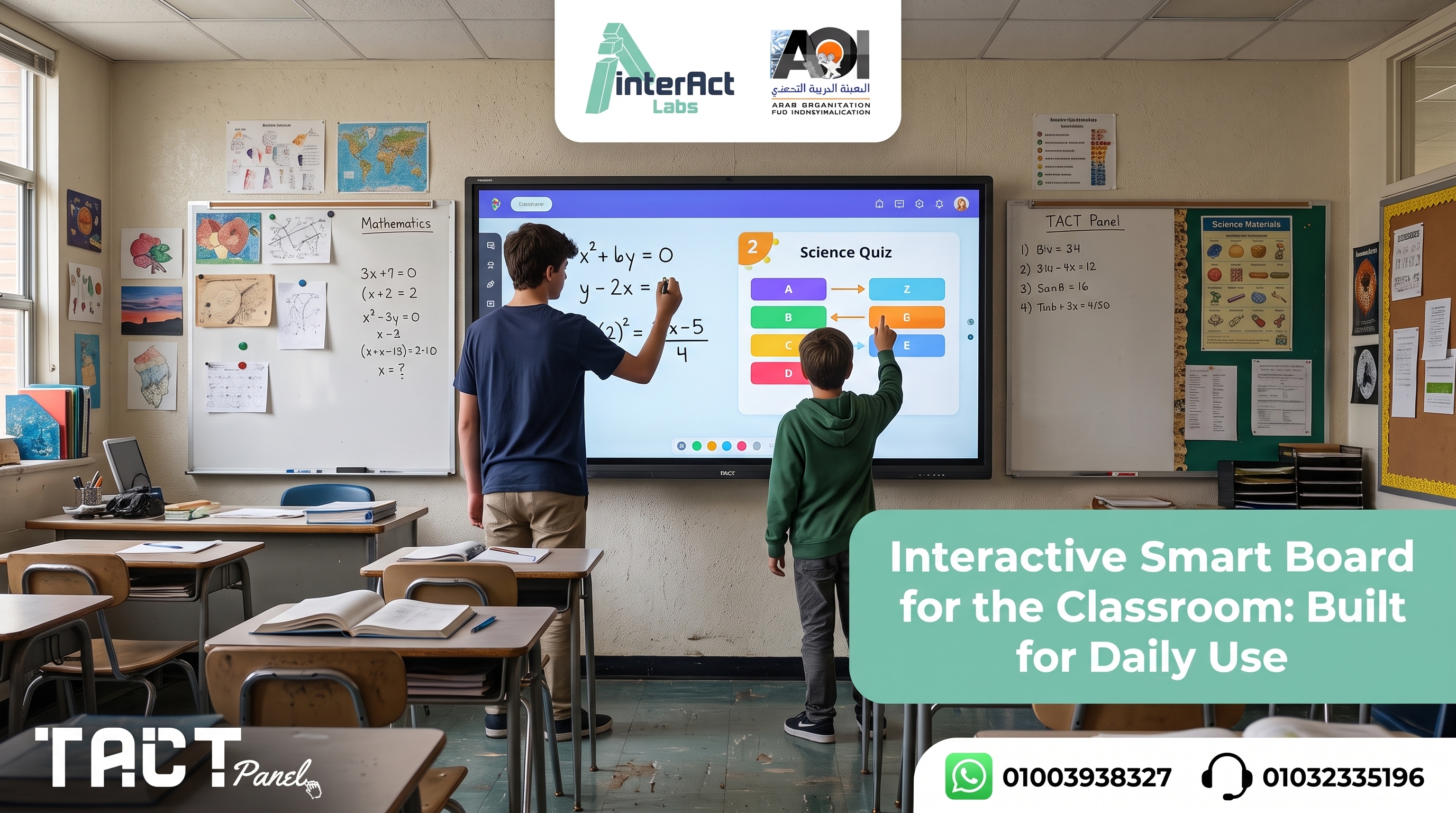
Education has changed dramatically over the past decade. Traditional classrooms that once relied on chalkboards, whiteboards, and printed textbooks are rapidly becoming technology-enabled learning environments where students actively participate rather than passively observe.
One of the most significant tools driving this transformation is the interactive smart board for classroom a digital teaching platform that allows educators to present multimedia lessons, annotate directly on content, collaborate with students in real time, and create learning experiences that actually hold attention and improve retention.
Choosing the right interactive classroom solution, however, is not always straightforward. Interactive smart boards are not the only option, and for many schools particularly those that already have functioning projectors and displays installed they are not necessarily the most practical starting point.This guide focuses on choosing an interactive smart board for a single classroom the multi-user touch, display, and durability factors that decide whether one room works day to day. and where solutions like Tact Panel by Interact Labs and the Tact device offer a better-matched path to interactive classrooms for different budget and infrastructure situations.
Looking for the right interactive solution for your classrooms? Visit Interact Labs and explore options built for educational environments.
What Is an Interactive Smart Board for Classroom?
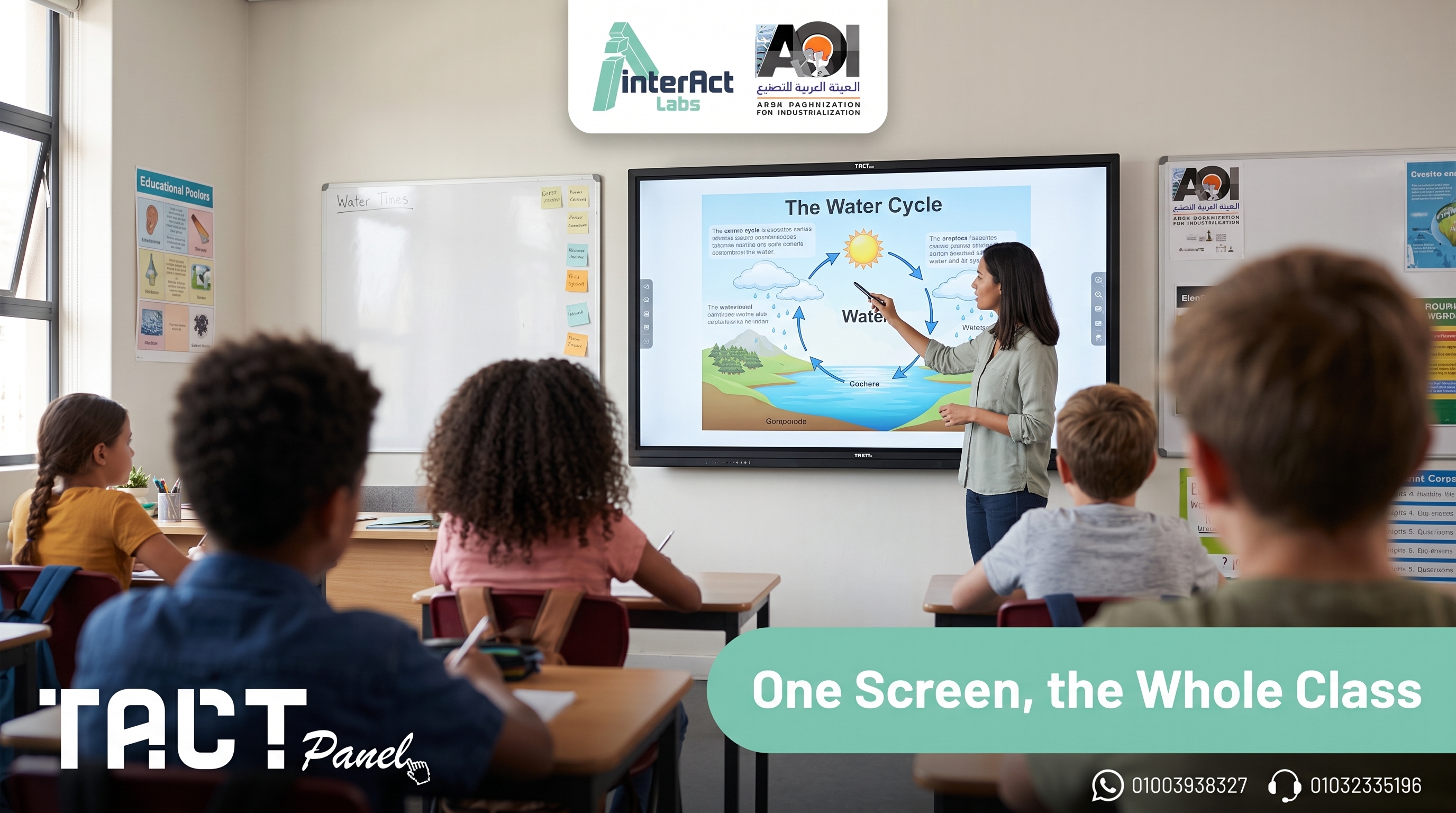
An interactive smart board is a digital teaching display that combines touchscreen technology with computer connectivity, allowing teachers and students to interact directly with digital content rather than simply viewing it.
Unlike traditional whiteboards, interactive smart boards don't just display information — they allow users to control applications, write notes, annotate presentations, open educational software, browse online resources, and collaborate with the class in real time. Depending on the model, capabilities typically include a touch-sensitive display surface, digital whiteboard software, multi-touch support for multiple simultaneous users, wireless screen sharing from student and teacher devices, multimedia playback with annotation, and cloud integration for saving and sharing lesson content.
By combining these capabilities into one platform, an interactive smart board turns any lesson from a one-directional presentation into a two-way learning experience.
How an Interactive Smart Board Works in a Classroom
Interactive smart boards function as both a display and an input device. Instead of using a mouse or keyboard to control a connected computer from a desk, teachers and students interact directly with the board using fingers or a digital stylus. A typical lesson might look like this:
The teacher opens a presentation, educational software, or online resource on the board. Using touch or the stylus, they write notes, highlight text, draw diagrams, solve equations live, annotate videos, or navigate between applications without returning to a keyboard. Students come to the board to answer questions, solve problems, complete exercises, or contribute to collaborative activities — transforming the session from a lecture into a participatory experience. At the end, annotations and lesson materials are saved digitally and shared with students for review.
This workflow is what separates an interactive classroom from a classroom with a display. The board is a teaching tool, not a projection screen.
Why Schools Are Choosing Interactive Smart Boards
Educational institutions are investing in interactive classroom technology because the evidence that active participation improves learning outcomes is consistent and clear. The specific advantages that drive adoption include:
Higher student engagement. Students are naturally more engaged when they can interact directly with lesson content. Rather than watching a teacher write on a board, they participate by solving problems, completing interactive exercises, and collaborating with classmates. Active involvement leads to greater motivation and stronger classroom attention.
Better collaboration. Interactive smart boards encourage genuine teamwork. Multiple students can contribute ideas, annotate shared diagrams, or work through activities together — collaboration that a traditional board cannot support.
Multimedia integration. Modern education goes well beyond textbooks. Interactive boards allow teachers to incorporate educational videos, interactive simulations, online learning platforms, images, animations, and digital documents — combining visual, audio, and hands-on learning in a single lesson.
Hybrid learning support. Many schools now deliver lessons to both in-person and remote students simultaneously. Interactive smart boards make it easier to share lesson materials digitally and maintain consistent learning experiences regardless of where students are located.
Better lesson organization. Digital lessons are easier to prepare, update, save, and reuse. Teachers build a library of interactive materials over time rather than rewriting content from scratch every day.
Planning at a bigger scale? If you're equipping many rooms at once, our guide to smart boards for classrooms covers bulk rollout, while smart boards for schools looks at the whole-institution strategy. And if you're focused on the teaching tools themselves, smart board for teaching is built for that. This guide stays focused on the single classroom: multi-user touch, daily durability, and getting one room right.
Key Features to Evaluate Before Buying
Not all interactive smart boards deliver the same capabilities. Before committing to a classroom technology investment, these are the features that have the most practical impact on daily teaching.
Multi-touch support. Modern boards should allow multiple users to interact simultaneously — enabling collaborative learning and group activities. Single-touch systems are functional for one presenter but limit student participation.
Display resolution. A 4K display makes text, images, and diagrams clearly readable from the back of any classroom. Lower resolution becomes a problem at typical classroom depths, especially with detailed content.
Annotation tools. Teachers need to write over presentations, PDFs, websites, and videos without interrupting lesson flow. The annotation interface should be intuitive enough that educators use it naturally rather than avoiding it.
Wireless screen sharing. Wireless connectivity allows teachers and students to share content from laptops, tablets, and phones without cable management. This reduces setup friction at the start of each session significantly.
Durability for classroom use. This is a specification that marketing materials often understate. An interactive display in a classroom is touched, leaned on, and operated intensively for six to eight hours per day across a full academic year. Glass hardness rating, build quality, and the robustness of the touch layer matter more in a classroom environment than in a conference room or showroom.
Educational software compatibility. The best solutions work smoothly with the learning management systems, video conferencing tools, and educational platforms teachers and students already use — not just the vendor's own software.
Interactive Smart Board vs. Traditional Whiteboard
The comparison is important to make explicitly, because many schools still have whiteboards installed and are deciding whether to upgrade.
A traditional whiteboard provides a writing surface — clean, simple, and familiar. It does not display digital lessons, play video or multimedia, provide internet access, save lesson notes, support annotation tools, or enable meaningful student collaboration beyond one person at the board at a time.
An interactive smart board for classroom combines all of that in a single platform. Writing is still possible, but so is everything else modern teaching requires. For schools that have moved any meaningful portion of their lesson delivery to digital content, the whiteboard gap becomes immediately apparent in daily teaching.
Interactive Smart Board vs. Interactive Panel: What's the Difference?
These two terms are often used interchangeably but describe slightly different hardware configurations.
An interactive smart board typically pairs a touch-sensitive surface with a separate computer and, in some configurations, a projector. The display and interaction layer can be separate components. An interactive panel integrates the display, touch layer, built-in operating system, and collaboration software into a single self-contained device — more like a large tablet mounted to a wall than a board connected to a projector.
Both support interactive teaching, digital annotation, and multimedia lessons. Interactive panels generally require a larger upfront investment because the display itself is part of the system, but they eliminate the cable management and compatibility issues that come with multi-component setups. For new classrooms being built or fully equipped from scratch, integrated panels simplify deployment significantly.
Tact Panel: Built for Classroom-Specific Requirements
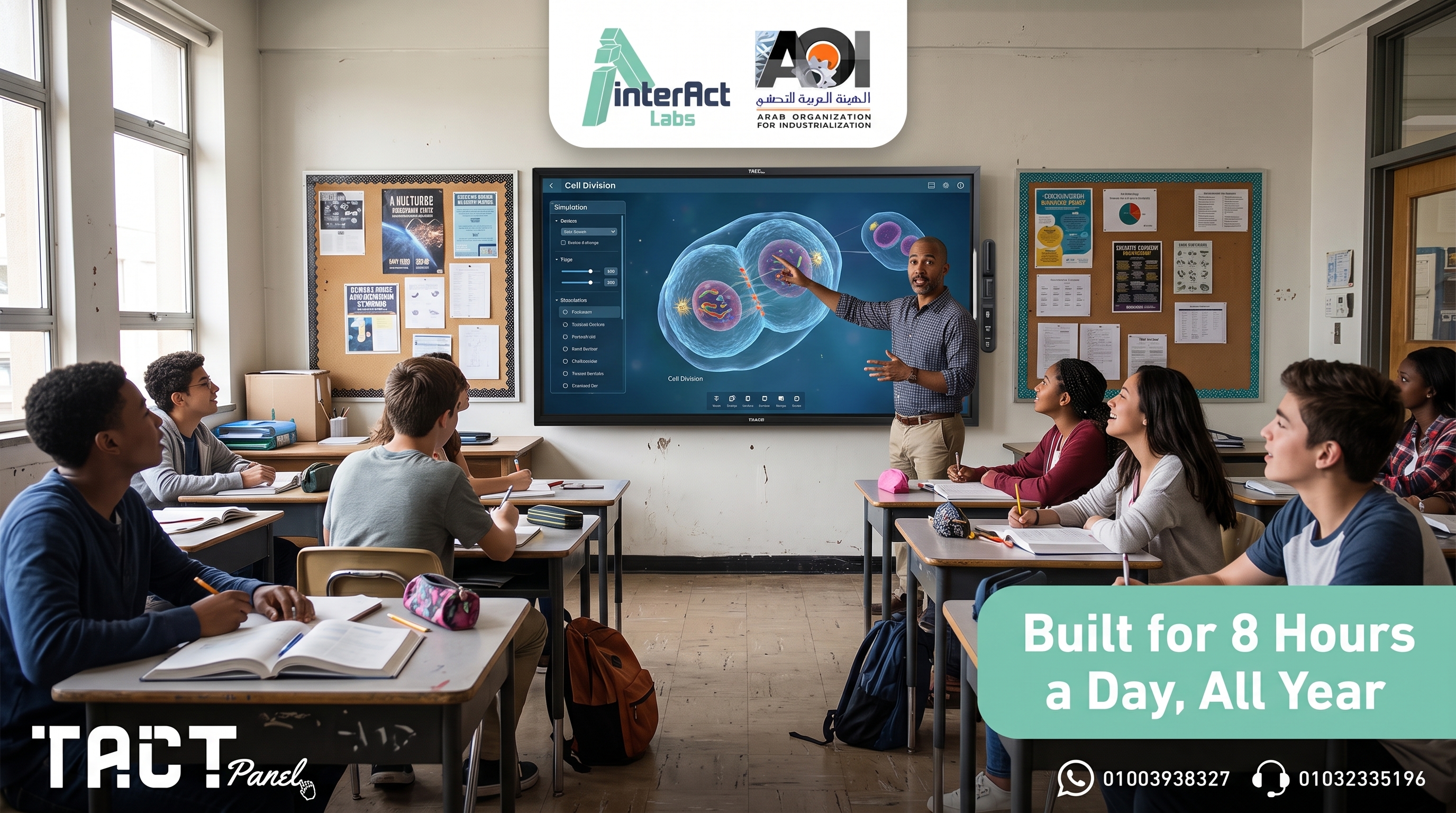
Tact Panel by Interact Labs is an interactive display built specifically for the demands of institutional classroom environments — not repurposed from a corporate meeting room product.
The build specification matters for classroom use in ways that standard panel comparisons don't always surface. Tact Panel's touch glass is rated for the kind of daily physical contact that happens in a room full of students — not occasional stylus taps in a conference room. The anti-glare surface treatment is calibrated for overhead classroom lighting conditions, where glossy panels create significant visibility problems. The display operates reliably across a full institutional day of intensive use, which is a different engineering requirement than a panel that sees two hours of meeting room use.
On the specification side, Tact Panel delivers 4K display quality with IPS panel technology for consistent visibility across all seating positions, multi-touch support across the full display surface for genuine collaborative interaction, dual Android and Windows OS support for both standalone operation and laptop-connected sessions, and the full connectivity range — HDMI, USB, wireless screen sharing — that covers every device type present in real institutional settings.
For classrooms in Egypt and the Gulf region, Tact Panel also provides something international panel brands cannot: direct local support, local spare parts availability, and on-site service — which means a classroom display that develops a fault is resolved in hours rather than weeks.
Browse Tact Panel configurations and available sizes — and compare specifications across different classroom sizes and deployment scenarios.
Tact Device: Interactive Classrooms Without Replacing Existing Displays
For schools that already have projectors, classroom TVs, or display screens installed and functioning, replacing all of that equipment with new interactive panels is rarely the most practical first step. The Tact device by Interact Labs addresses this situation directly.
Rather than replacing existing classroom displays, the Tact device adds a fully interactive layer on top of them. Connect a laptop to the existing projector or TV, install the Tact software, position the device, complete a two-minute calibration, and the display surface becomes interactive. Teachers write directly on presentations, annotate lesson content, draw diagrams, navigate applications, and invite students to interact with the board — using the projector or TV the classroom has always had.
For schools managing multi-classroom deployment within a fixed budget cycle, the per-room cost of this approach makes comprehensive rollout achievable in a single year rather than a multi-year phased plan that leaves most classrooms waiting.
How to Set Up an Interactive Classroom with Tact
The setup process is designed to require no IT support and no structural changes to the classroom.
Connect the classroom computer or laptop to the existing display using HDMI or a compatible connection. Install the Tact software on the computer — this manages communication between the computer and the interactive device. Position the Tact device so it faces the display or projection surface. Complete the calibration by tapping designated reference points with the interactive pen — this takes under two minutes. The display is now fully interactive.
From that point, teachers write on presentations, annotate PDFs, draw diagrams live during explanations, navigate educational software, and highlight key content — all from the display surface, without returning to a keyboard. Everything produced during the session can be saved and shared with students immediately afterward.
Best Classroom Environments for Interactive Technology
Interactive smart board solutions deliver value across every stage of education and across different institutional contexts.
In primary schools, young learners engage most effectively through visual and hands-on activities. Interactive technology allows teachers to use educational games, teach through images and videos, and capture student attention in ways static boards cannot. In secondary schools, where subjects become more complex, interactive displays make mathematical problem-solving, scientific diagrams, map analysis, and collaborative assignments significantly more accessible.
In universities, interactive technology enables professors to annotate lecture slides, work through technical diagrams, and conduct collaborative problem-solving sessions with students in real time. In training centers, professional trainers use interactive displays to annotate presentations, respond to participant questions visually, and deliver workshops where active participation replaces passive observation.
In corporate learning environments, interactive classroom technology improves onboarding, technical training, compliance workshops, and leadership development — sessions where discussion and participation produce better outcomes than one-way presentation.
Frequently Asked Questions — Interactive Smart Board for Classroom
Q: What is an interactive smart board for classroom? An interactive smart board is a digital teaching display that combines touchscreen technology, computer connectivity, and annotation software. It allows teachers and students to interact directly with digital content, making lessons more engaging and collaborative than traditional presentation methods allow.
Q: Are interactive smart boards better than traditional whiteboards? For modern education that involves digital content, yes. Interactive smart boards support multimedia lessons, internet access, digital annotation, real-time collaboration, and lesson saving — capabilities a traditional whiteboard cannot provide.
Q: What's the difference between an interactive smart board and Tact Panel? An interactive smart board is a broad category covering various hardware configurations. Tact Panel is a specific interactive display built for institutional classroom use — with durability specifications, local support, and dual-OS capability designed for the demands of a school environment rather than a general-purpose display.
Q: Can I create an interactive classroom without buying a new smart board? Yes. The Tact device by Interact Labs allows schools to transform existing projectors, TVs, and display screens into interactive teaching surfaces — writing, annotating, and navigating applications directly on whatever display is already in the room.
Q: Is Tact Panel suitable for large classrooms? Yes. Tact Panel is available in sizes suited to different room configurations, and the 4K IPS display maintains visibility and clarity from all seating positions — including the back of larger rooms.
Q: Can multiple students interact with Tact Panel at the same time? Yes. Multi-touch support across the full display surface allows simultaneous input from multiple users — practical for collaborative exercises, group problem-solving, and classroom participation activities.
Q: How long does setup take? Initial setup — connecting the laptop or computer, positioning the device, and completing calibration — typically takes under ten minutes. No professional installation or IT reconfiguration is required.
Final Word: Interactive Smart Board for Classroom in 2026
An interactive smart board for classroom changes the fundamental dynamic of teaching and learning — from one-directional delivery to genuine participation. The evidence for the learning benefits of interactive classrooms is clear, and the technology to create them is now accessible at a range of price points for schools at any stage of their digital transformation.
For schools building new interactive classrooms or replacing aging display infrastructure, Tact Panel delivers the specification, durability, and local support that institutional environments in Egypt and the Gulf region require. For schools with existing projectors and displays that still function, the Tact device provides interactive capability at a per-room cost that makes comprehensive deployment achievable within realistic budgets.
Ready to bring interactive learning to your classrooms? Explore Tact Panel on Interact Labs and find the configuration that fits your school.


