

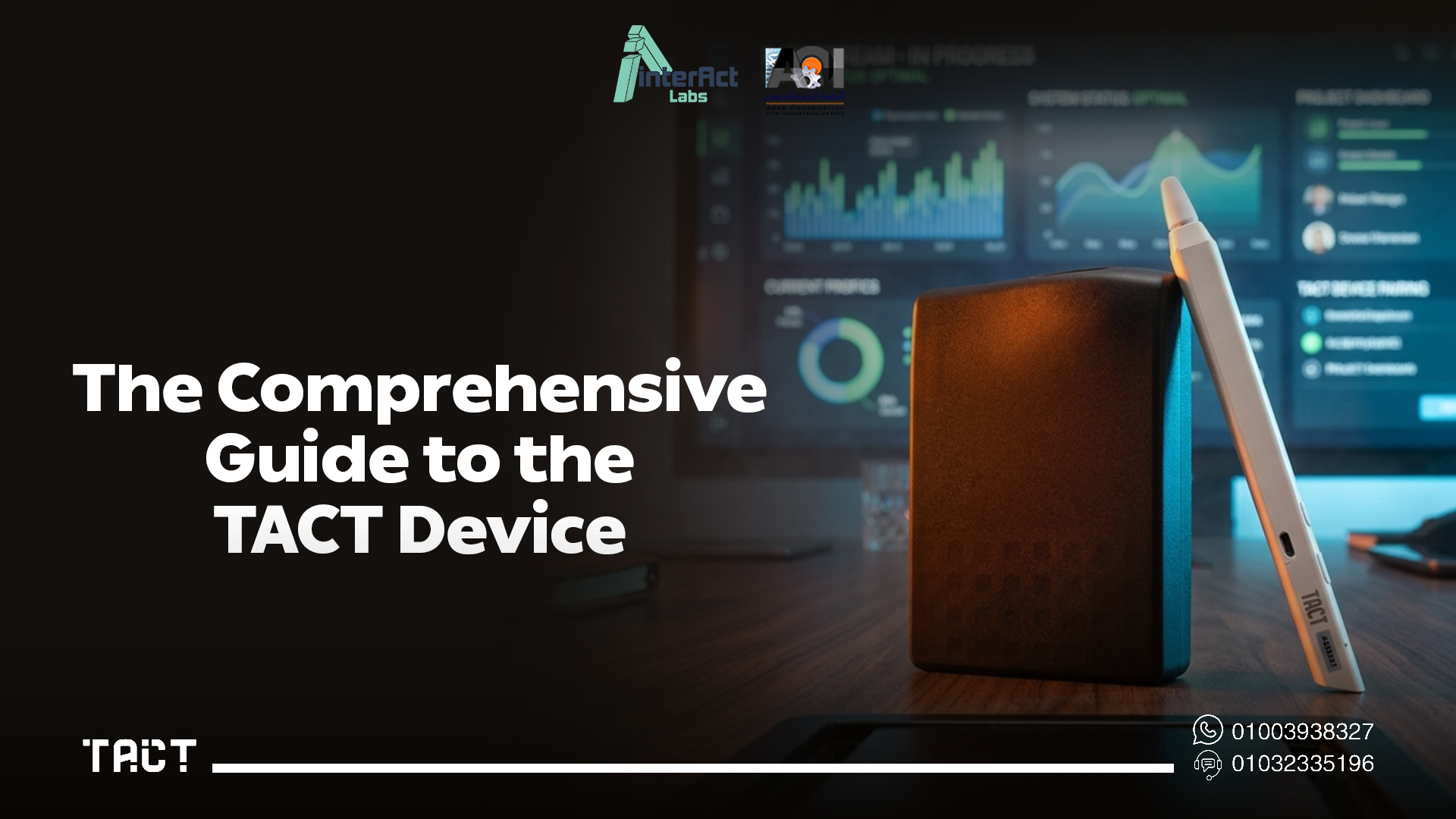
Every school and training center eventually faces the same question: how do you bring interactive teaching technology into the classroom without the cost and complexity of a full smart board system?
The Tact device by Interact Labs answers that question directly. It's a compact, practical solution that turns any existing screen or projector into a fully interactive smart board — without replacing equipment, without complex installation, and without the price tag of a traditional interactive whiteboard.
This guide covers exactly what the Tact device is, how it works, what it can do, and how to set it up — everything needed to understand whether it's the right fit for your classroom, training room, or institution.
Want to see the Tact device in action? Visit Interact Labs and explore the full range of interactive solutions built for Egypt.
What Is the Tact Device?
The Tact device is a smart, USB-connected tool that adds interactive functionality to any display surface — a monitor, a projector screen, or any flat surface a projector is aimed at. Instead of purchasing an entirely new interactive whiteboard system, schools and training centers can use the screens and projectors they already own and instantly gain the core capabilities of a smart board: writing, drawing, annotating, and interacting directly with displayed content.
This approach matters because it removes the single biggest barrier to interactive classroom technology — cost. A full smart board system requires purchasing new hardware, professional installation, and ongoing maintenance. The Tact device works with what's already there, which is why it has become a practical entry point into digital transformation for institutions across Egypt's education and training sectors.
How the Tact Device Turns Any Screen into an Interactive Smart Board
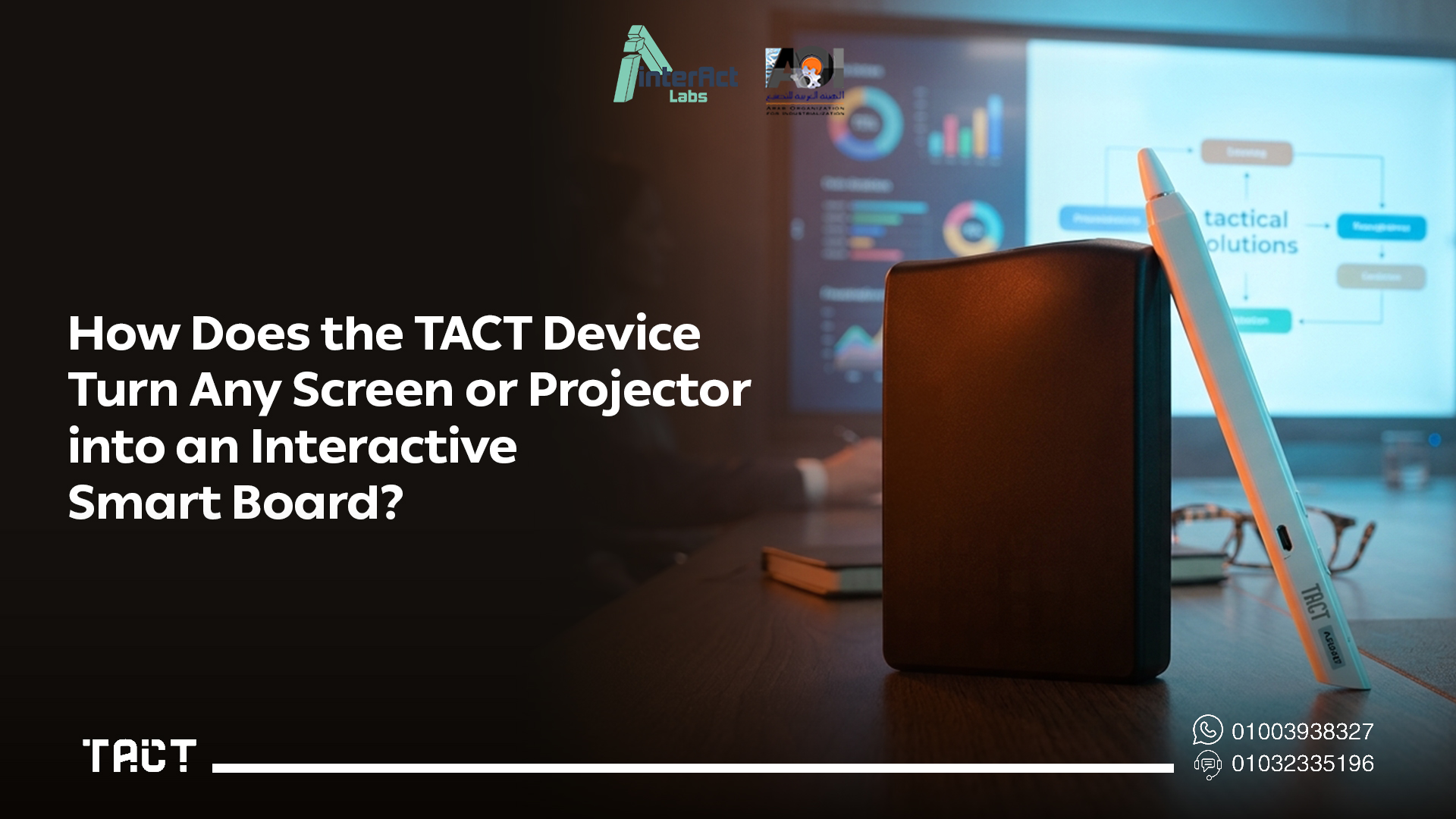
The mechanism behind the Tact device is straightforward, even though the experience it delivers feels advanced.
The device connects between a computer and the display being used — whether that's a monitor or a projector. Once connected, it adds an interactive layer on top of whatever is being shown on screen. Using an electronic pen or touch input, depending on the configuration, users can write, draw, highlight, move objects, open applications, and navigate files directly on the display surface — exactly as they would on a traditional smart board.
What makes this work reliably is the device's ability to accurately detect pen and touch movement in real time. There's no perceptible lag between the physical motion of the pen and the digital response on screen, which is what makes the writing and drawing experience feel natural rather than mechanical.
Because the Tact device works at the connection layer between the computer and the display, it's compatible with the educational software institutions already use — presentation tools, PDF readers, web browsers, and dedicated teaching applications. There's no need to learn a new software ecosystem or replace existing digital workflows.
The result is that any ordinary classroom or meeting room screen becomes a fully interactive teaching space — without removing or replacing the screen that was already there.
If your school is specifically evaluating cost as the primary factor, this is the same value proposition that makes the device relevant to discussions like smart board cost and school smart board price — the Tact device consistently comes out as the more budget-realistic path to interactive classrooms.
Key Features of the Tact Device
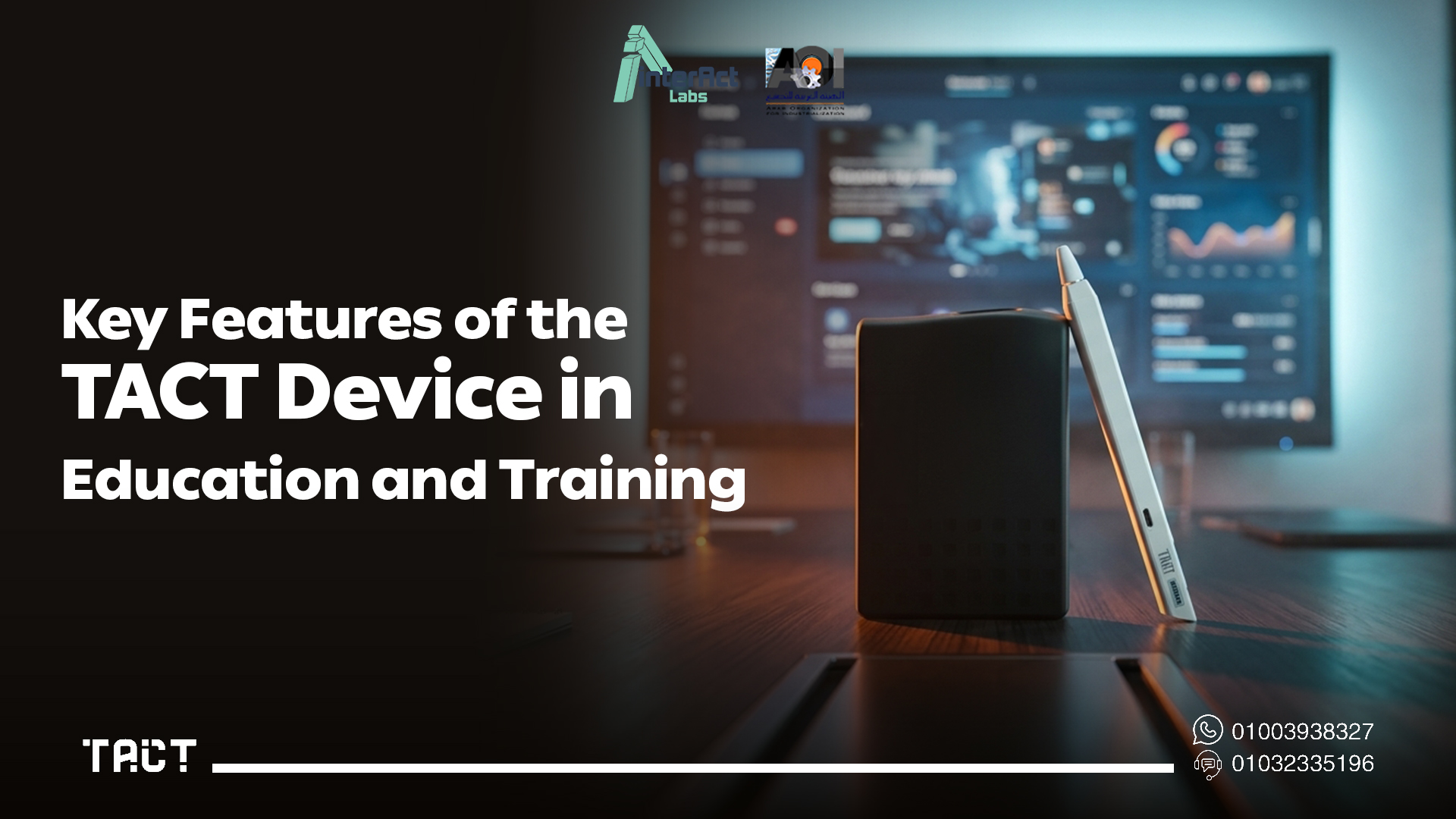
Converts existing screens and projectors into interactive smart boards
This is the core function: any compatible screen or projector becomes a fully interactive display. Institutions don't need to retire functioning equipment to gain interactive capability — they extend the value of what they already own.
Significant cost savings compared to traditional smart boards
The Tact device delivers most of the core functionality of a traditional smart board — writing, annotation, real-time interaction — at a fraction of the price. This is what makes school-wide deployment financially realistic in a way that full smart board systems rarely are. For a detailed breakdown of how this plays out at scale, see how schools are using this approach to equip multiple classrooms within the cost of one traditional smart classroom.
Easy to use without advanced technical skills
The device is designed for immediate use. Teachers and trainers don't need IT support or specialized training to start using it productively. Setup is intuitive, and the learning curve is short enough that most users are comfortable within their first session.
High accuracy and instant response
Pen and touch detection is precise, and the response is immediate. This is what separates a genuinely useful interactive tool from a gimmick — when the writing experience lags or drifts, teachers stop using it. The Tact device is built to avoid that failure point entirely.
Compatibility with educational software and presentations
The device works directly with PowerPoint, PDF files, web browsers, and dedicated educational or presentation software. Annotations can be made directly on top of any of these without needing to export, convert, or restructure existing materials.
Increased student participation and classroom interaction
Interactive displays change the dynamic of a classroom. Students move from passive observation to active participation — coming up to the screen, solving problems directly, and engaging with content in a way that static presentation doesn't allow. This shift in engagement is one of the most consistently reported benefits among institutions that adopt the device.
Save and share lessons and notes easily
Every annotation, drawing, and note made during a session can be saved digitally and shared with students or trainees afterward. This supports revision, makes content accessible to students who were absent, and builds a growing library of lesson material over time.
Fast installation without major infrastructure changes
There's no need for electrical work, wall reinforcement, or structural modification. The device installs in a matter of minutes using the classroom's existing setup — a sharp contrast to the installation requirements of a full interactive whiteboard system, which often involves contractors and significant lead time.
Suitable for schools, universities, training centers, and meeting rooms
The Tact device isn't limited to K-12 classrooms. It's equally effective in university lecture halls, corporate training rooms, and conference or presentation spaces — anywhere that interactive, annotated presentation adds value over static display.
Effective support for digital transformation in education
For institutions working through a broader digital transformation strategy, the Tact device offers a low-risk, low-cost entry point that doesn't require committing to a single major capital investment before results are visible.
Installation and Setup: Step by Step
One of the most practical advantages of the Tact device is how quickly it goes from box to fully operational. Here's the complete setup process:
Step 1 — Position the device correctly The Tact device is placed near the screen or projector, positioned to accurately capture the full projection or display surface. Correct placement ensures the device can track the entire usable area without blind spots.
Step 2 — Connect to the computer The device connects to the computer or laptop that will be used to display content. This connection is what allows the device to interpret pen or touch input and translate it into real-time interaction.
Step 3 — Connect the computer to the display With the Tact device linked to the computer, the computer itself connects to the screen or projector being used in the room — completing the chain from input device to display surface.
Step 4 — Install the Tact software The dedicated software is installed on the computer. This software manages all interactive functions — writing, drawing, saving, and sharing — through a straightforward, intuitive interface.
Step 5 — Calibrate the device A short calibration process aligns the pen or touch input precisely with the display area, ensuring that what's written appears exactly where intended, with no misalignment or input lag.
Step 6 — Test functionality Before relying on the device for an actual lesson or presentation, a quick test confirms writing, drawing, and application interaction are all working smoothly.
Step 7 — Begin using the device Once setup is verified, the Tact device is fully ready for classroom or training use — teachers and trainers can deliver interactive lessons immediately.
Step 8 — Save and share content as you go Throughout use, all annotations and notes can be saved and distributed to students or trainees, extending the value of each session beyond the live moment.
The entire process — from unboxing to fully operational — typically takes well under an hour, even for a first-time user with no technical background.
Curious how this compares across different use cases? Browse the Interact Labs shop to see configurations suited to classrooms, training rooms, and meeting spaces.
Where the Tact Device Fits Across Different Needs
The Tact device serves a wide range of buyers, and the right way to think about it depends on the specific context.
For schools evaluating the cost of equipping multiple classrooms, the device fundamentally changes the math — a topic explored in depth in the school smart board price and smart classroom cost discussions, where the core insight is that converting existing screens costs a fraction of replacing them.
For administrators trying to understand the full financial picture — not just the purchase price but the total cost over years of use — the smart board cost breakdown shows how hidden expenses like maintenance, repairs, and replacement cycles make the Tact device's simpler cost structure especially valuable.
For buyers comparing options across the broader market, understanding what actually drives smart board pricing helps clarify why the Tact device's approach — adding interactivity rather than replacing hardware — sidesteps most of the cost drivers that make traditional smart boards expensive.
For individual educators — independent teachers, online tutors, or classroom teachers buying their own equipment — the smart board for teaching price guide breaks down why most teachers don't actually need a full institutional smart board system, and how the Tact device meets the real requirement at a fraction of the cost.
And for those comparing interactive display categories more broadly, the smart board Egypt and interactive screen Egypt guides provide the wider market context — covering the full range of interactive display options available, including the Tact Panel for institutions that do want a complete, all-in-one display solution rather than a conversion device.
Frequently Asked Questions — Tact Device
Q: What's the difference between the Tact device and Tact Panel? The Tact device is a conversion tool — it adds interactivity to a screen or projector you already own. Tact Panel is a complete, standalone interactive display. Both are made by Interact Labs, but they solve different problems depending on whether you need a full new display or want to upgrade existing equipment.
Q: Does the Tact device work with old or low-quality projectors? Yes, as long as the projected image lands on a stable, flat surface, the device works effectively regardless of the projector's age or brand.
Q: Can the Tact device be used in more than one room? Yes. It's portable and can be moved between classrooms or meeting rooms, giving institutions flexibility without needing to purchase a separate unit for every space.
Q: Is technical training required to use the device effectively? No formal training is necessary. The interface is designed to be intuitive, and most users are comfortable using all core functions after a short walkthrough or their first session.
Q: What happens if something goes wrong with the device? Interact Labs provides local technical support and locally available components in Egypt, meaning any issues are resolved quickly without the delays associated with importing replacement parts.
Q: Is the Tact device suitable for corporate use, not just education? Yes. It performs equally well in corporate training sessions, client presentations, and meeting rooms — anywhere that interactive annotation adds value over static screen sharing.
Q: How does the Tact device compare in price to a full smart board? The Tact device costs significantly less than a full interactive whiteboard system, since it uses your existing screen instead of requiring a new display purchase. For current pricing, visit the Interact Labs shop directly.
Final Word: Why the Tact Device Matters
The Tact device represents a genuinely different way of approaching classroom and training room technology. Rather than asking institutions to replace what they already have, it asks a simpler question: what if the screen you already own could become fully interactive?
That shift — from replacement to conversion — is what makes the Tact device relevant across such a wide range of contexts, from individual teachers to entire school systems planning a full digital transformation. It removes cost as the primary barrier to interactive teaching technology, and replaces complex installation with a setup process that takes less than an hour.
For institutions and educators in Egypt looking to modernize their teaching environment without the financial and logistical weight of a full smart board rollout, the Tact device offers a practical, proven path forward.
Ready to get started? Order your Tact device today and turn any screen in your classroom or training room into a fully interactive smart board.


